 Vextro Lyntra
Few emails are as frustrating as "Your site isn't ready to show ads". The good news: almost every AdSense rejection comes down to a short list of fixable problems. Work through this checklist, fix what applies to you, and your next review has a much better chance.
First: read the exact reason
Open AdSense, go to Sites, and look at the status next to your domain. The most common messages are:
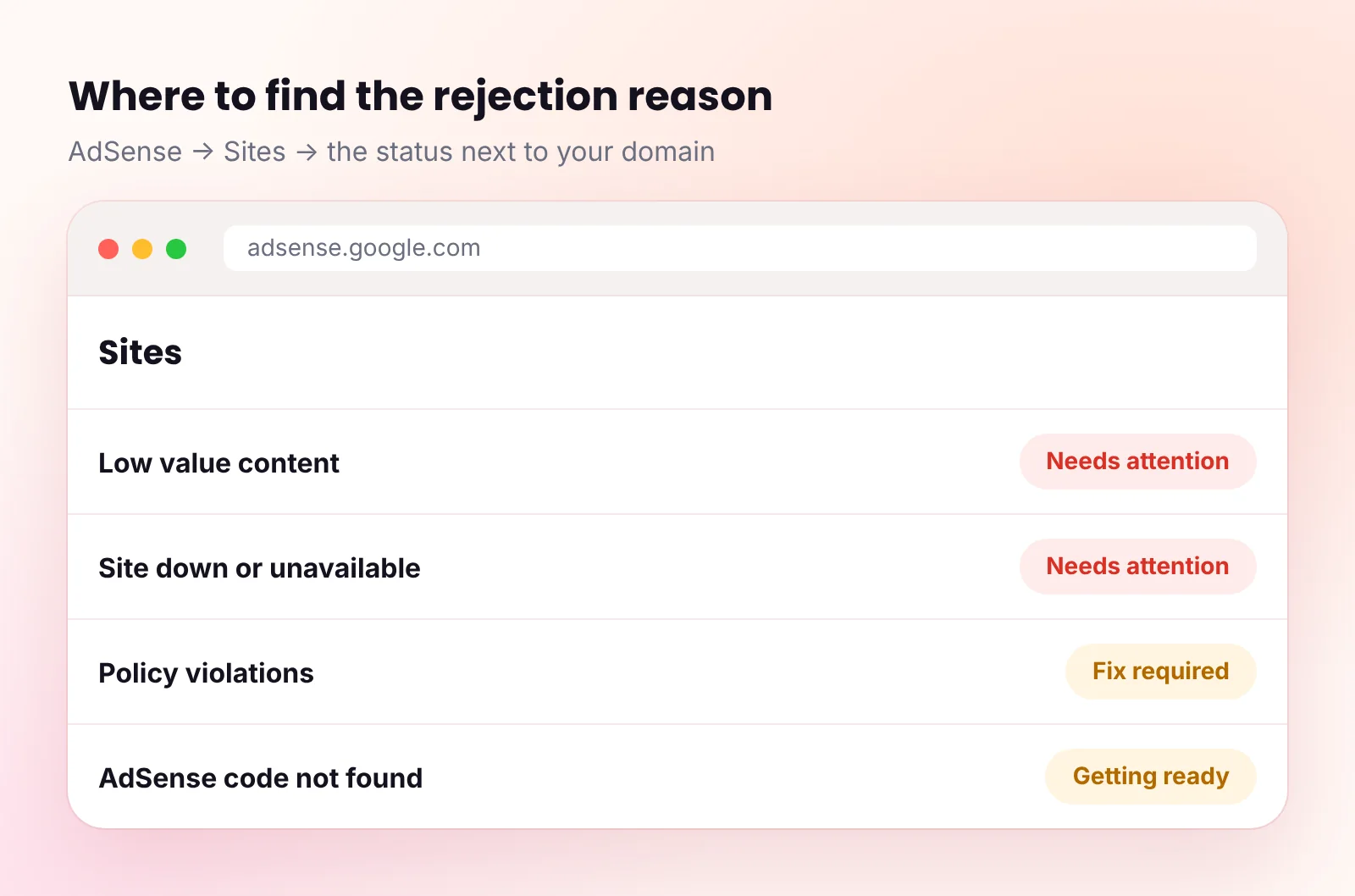
- Low value content: Google doesn't see enough useful, original content.
- Site down or unavailable: the crawler couldn't load your site.
- Policy violations: something on the site breaks the AdSense program policies.
- Site isn't ready / needs attention: usually setup issues such as a missing code snippet.
Each fix below is tagged with the problem it solves.
The 12 most common reasons (and fixes)
1. Thin or "low value" content
Short posts, rewritten articles and pages that say nothing new are the top cause. Fix: write in-depth posts that answer a real question completely, add your own examples, photos or data, and merge several thin posts into one strong guide.
2. Copied or spun content
Content copied from other sites, even partly or rewritten by a tool, is a fast rejection. Fix: remove it or rewrite it from scratch in your own words, adding something the original didn't have.
3. Not enough content yet
Fix: there's no official minimum, but give visitors a reason to browse: a good number of solid articles across a clear topic, published over a few weeks rather than all on one day.
4. Missing trust pages
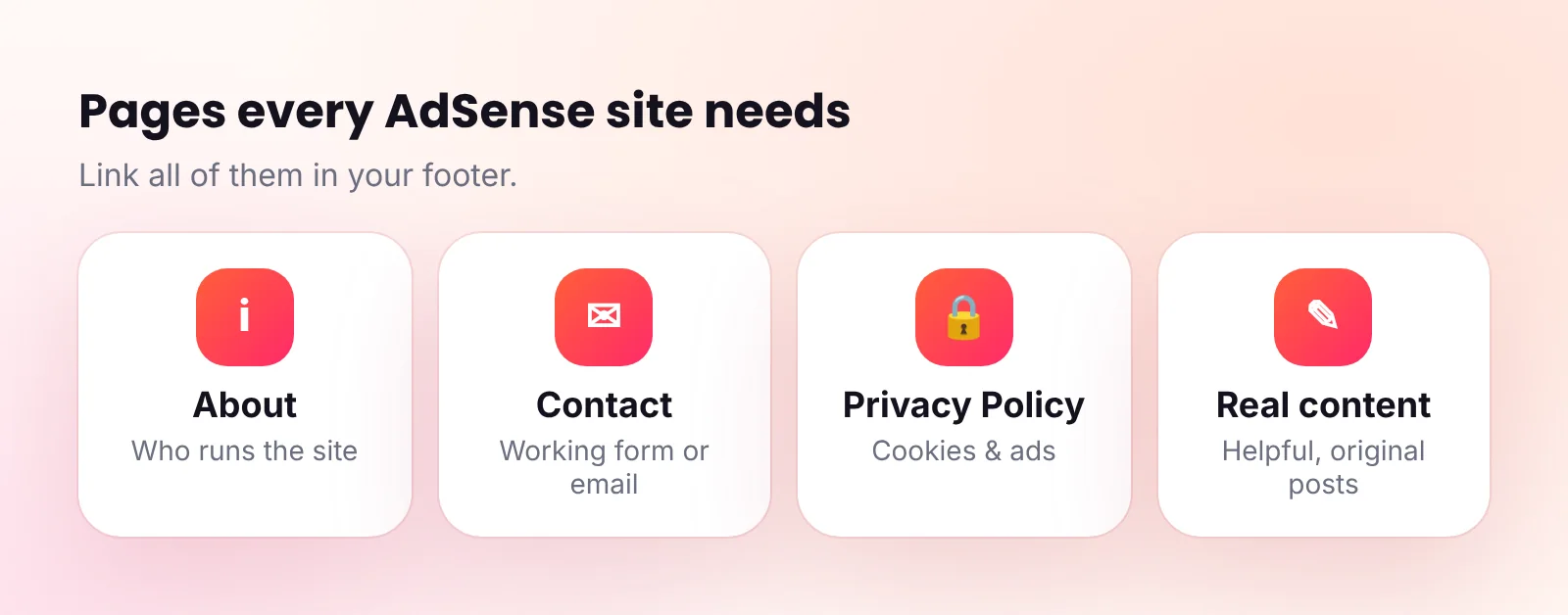
Fix: add an About page (who runs the site and why), a Contact page with a working form or email, and a Privacy Policy that mentions cookies and third-party ads. Link them in the footer.
5. Poor navigation or broken pages
Fix: a clear menu, working categories, a search box, no "lorem ipsum", no empty category pages and no 404 links. Visitors (and the reviewer) should be able to find content in two clicks.
6. Site under construction
Placeholder text, "coming soon" pages or theme demo content signal an unfinished site. Fix: delete demo posts and pages, and only apply when the site looks finished.
7. AdSense code missing or in the wrong place
Fix: paste the AdSense code exactly as given inside the <head> of every page (or use a trusted plugin), and make sure caching or optimisation plugins don't strip it out.
8. Site down, slow or blocked for Google
Fix: check that your site loads on mobile data, that robots.txt doesn't block Googlebot, that you don't have a "coming soon" plugin active, and that your hosting isn't timing out.
9. Policy-violating content
Adult content, violence, hacking or cracking, copyrighted downloads, dangerous products, gambling and misleading claims are not allowed. Fix: remove such pages completely, not just from the menu.
10. Copyrighted images or media
Fix: use your own images, properly licensed stock photos, or free-licence images with credit. Remove anything taken from Google Images without permission.
11. Invalid traffic
Buying traffic, using traffic bots or asking people to click ads can get an application rejected or an account banned. Fix: build traffic from search, social media and real visitors only, and never click your own ads.
12. Missing ads.txt or wrong account details
Fix: after approval, add the ads.txt line AdSense gives you to your domain root. Also make sure your payee name and address in AdSense are correct and that you meet the age requirement.
Pre-review checklist
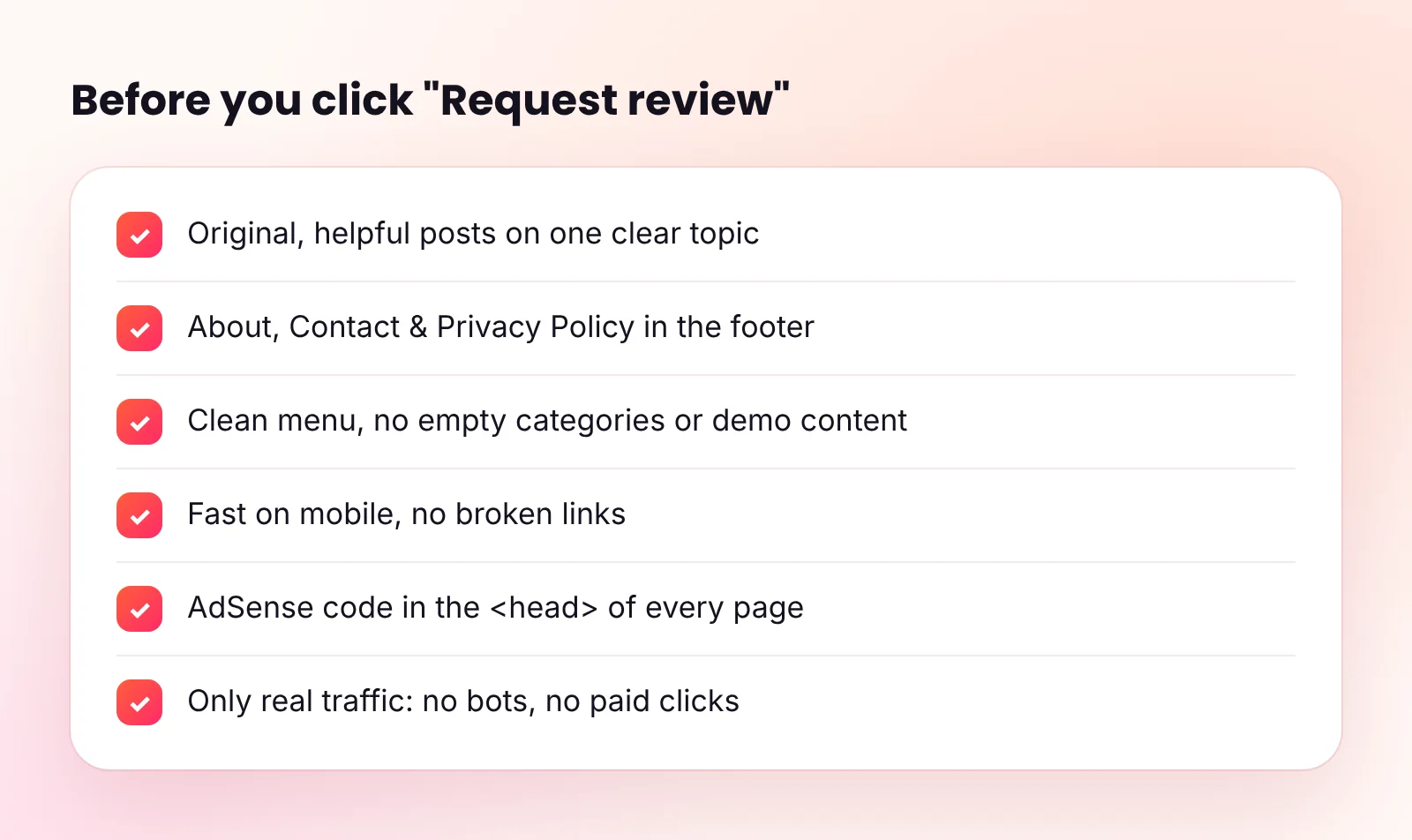
- Original, helpful posts on one clear topic
- About, Contact and Privacy Policy pages in the footer
- Clean menu, no empty categories or demo content
- Fast on mobile, no broken links
- AdSense code in the
<head>of every page - No copyrighted images, no policy-violating pages
- Only real traffic, no bots or paid clicks
Want us to fix it for you?
Send us your site. We find what's blocking approval, fix the pages, content and policies, and help you re-apply.
Fix my rejected site →How to re-apply
When everything above is fixed, wait a few days so Google can recrawl your updated pages, then go to Sites in AdSense and click Request review. Don't re-apply the same day you make changes, and don't keep re-submitting without fixing anything.
Summary
AdSense approval is about one thing: does your site look like a finished, trustworthy place with genuinely useful content? Fix thin content, add the trust pages, clean up navigation and remove anything that breaks the policies. Do that, and most rejections turn into approvals.
Frequently asked questions
How long should I wait before re-applying to AdSense?
There is no fixed waiting time. Fix every issue first, give Google time to recrawl the updated pages (often a few days to two weeks), then request a review again.
How many articles do I need for AdSense approval?
Google publishes no minimum number. What matters is that the site has enough original, useful content that a visitor would find valuable. Many approved sites have 15 to 30 solid posts, but quality beats quantity.
Does a new domain get rejected?
There is no general rule against new domains, but a brand-new site often has too little content and too few signals. Build real content and basic pages first.
Can I use AI-written content?
Google cares about helpfulness, not how the text was produced. Thin, generic or mass-produced content gets rejected whether a person or a tool wrote it. Edit, add your own experience and make each page genuinely useful.
Want us to fix it for you?
Send us your site. We find what's blocking approval, fix the pages, content and policies, and help you re-apply.
Fix my rejected site →