 Vextro Lyntra
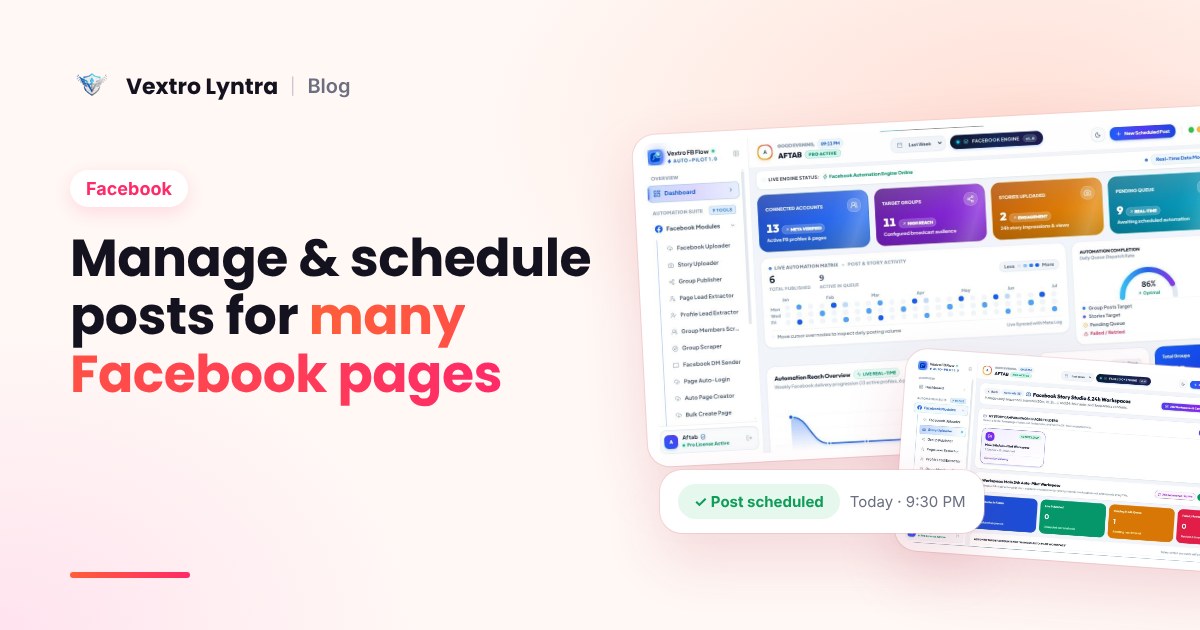
Managing one Facebook page is easy. Managing five, ten or twenty, for yourself or for clients, quickly turns into logging in and out all day, forgetting stories and missing comments. Here's a simple system that keeps every page active without eating your whole day.
Step 1: plan a weekly content mix
Decide what to post before you think about tools. A simple weekly mix per page:
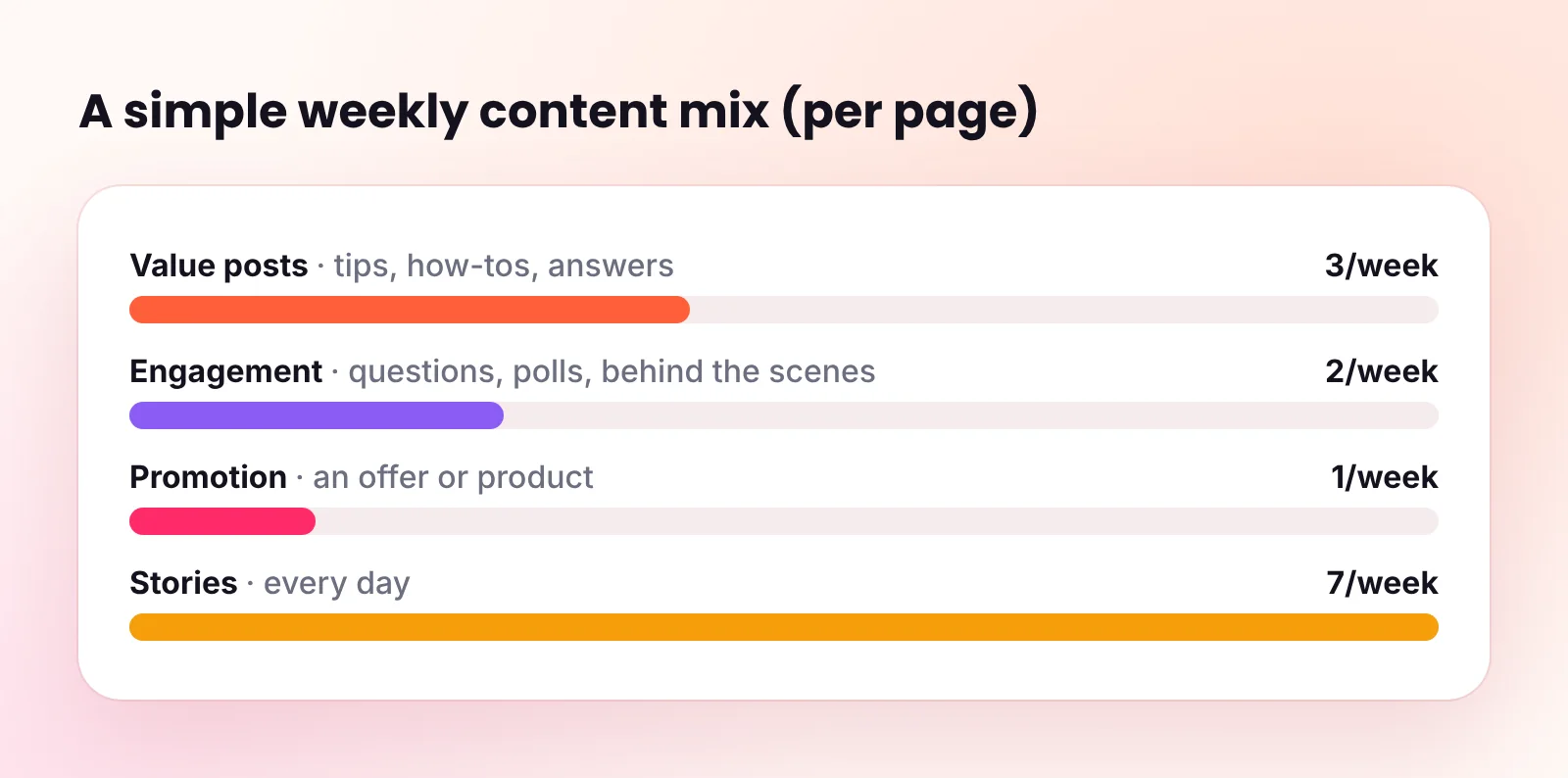
- 2 to 3 value posts: tips, how-tos, answers to common questions;
- 1 to 2 engagement posts: questions, polls, behind the scenes;
- 1 promotional post: an offer, product or service;
- daily stories to stay at the top of followers' feeds.
Write the week's posts in one sitting. Batching is the single biggest time saver.
Step 2: build a simple content calendar
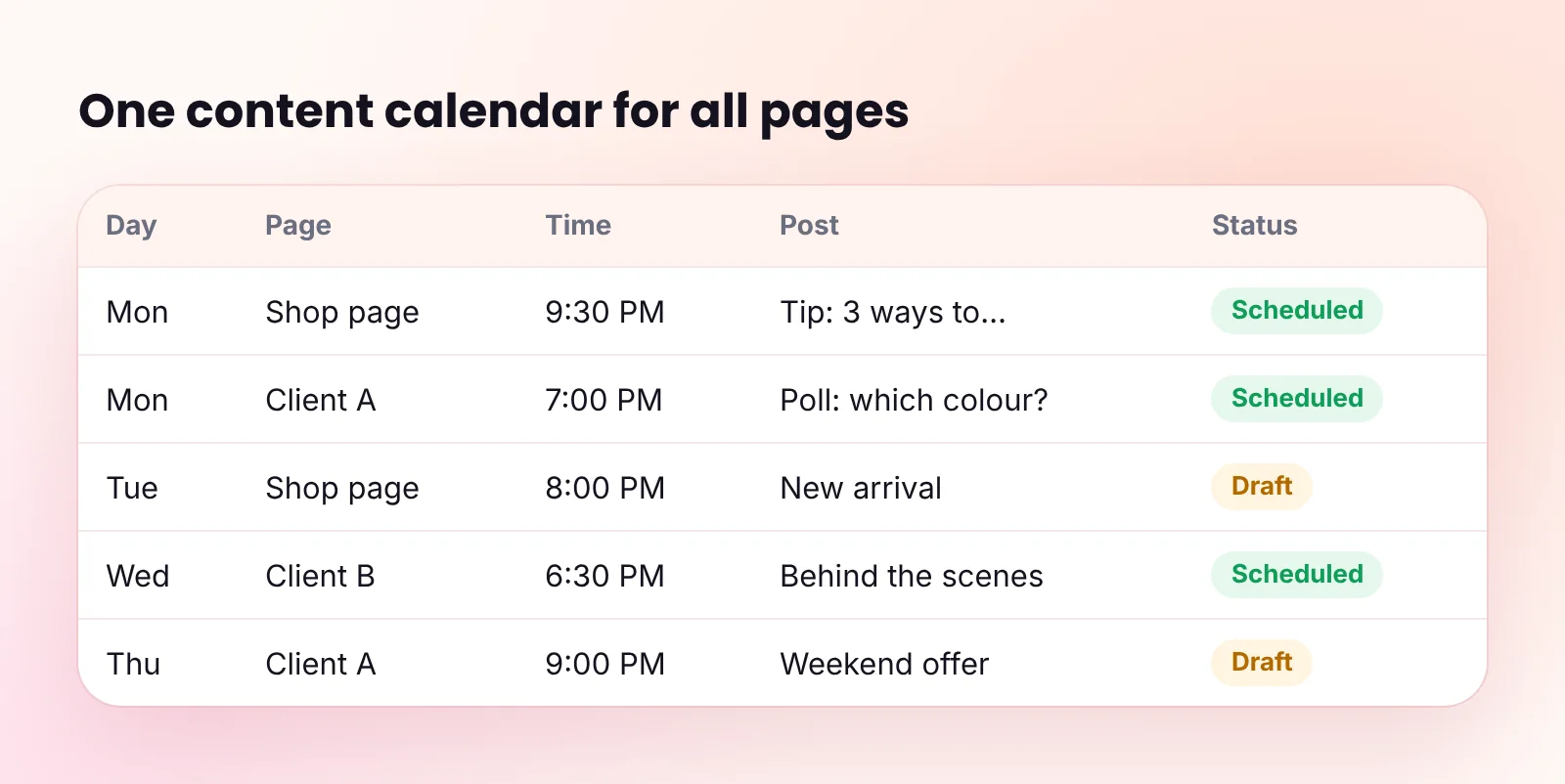
A spreadsheet is enough: one row per post, columns for page, date, time, text, image or video, link, status. When every page's posts live in one sheet, you instantly see gaps and avoid posting the same thing on two pages on the same day.
Step 3: schedule everything in advance
Free option: Meta Business Suite. If you're an admin of the pages, you can create a post, click Schedule and choose a date and time. It works well for a handful of pages.
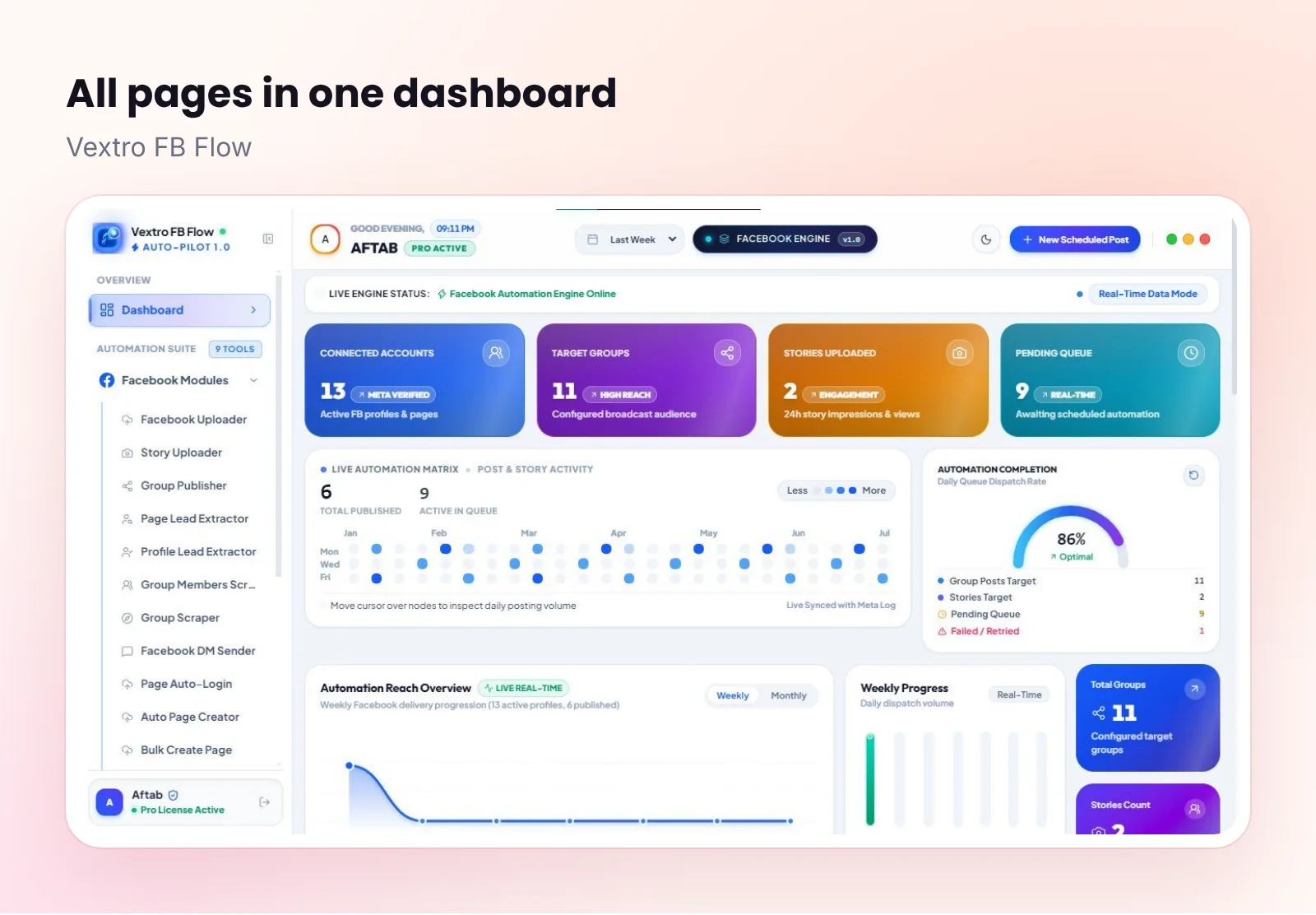
For many pages or agencies: a desktop tool that shows all your profiles and pages in one dashboard saves the most time, especially if it can queue days of content, publish to the groups you've joined and run stories on a loop.
Manage all your pages from one screen
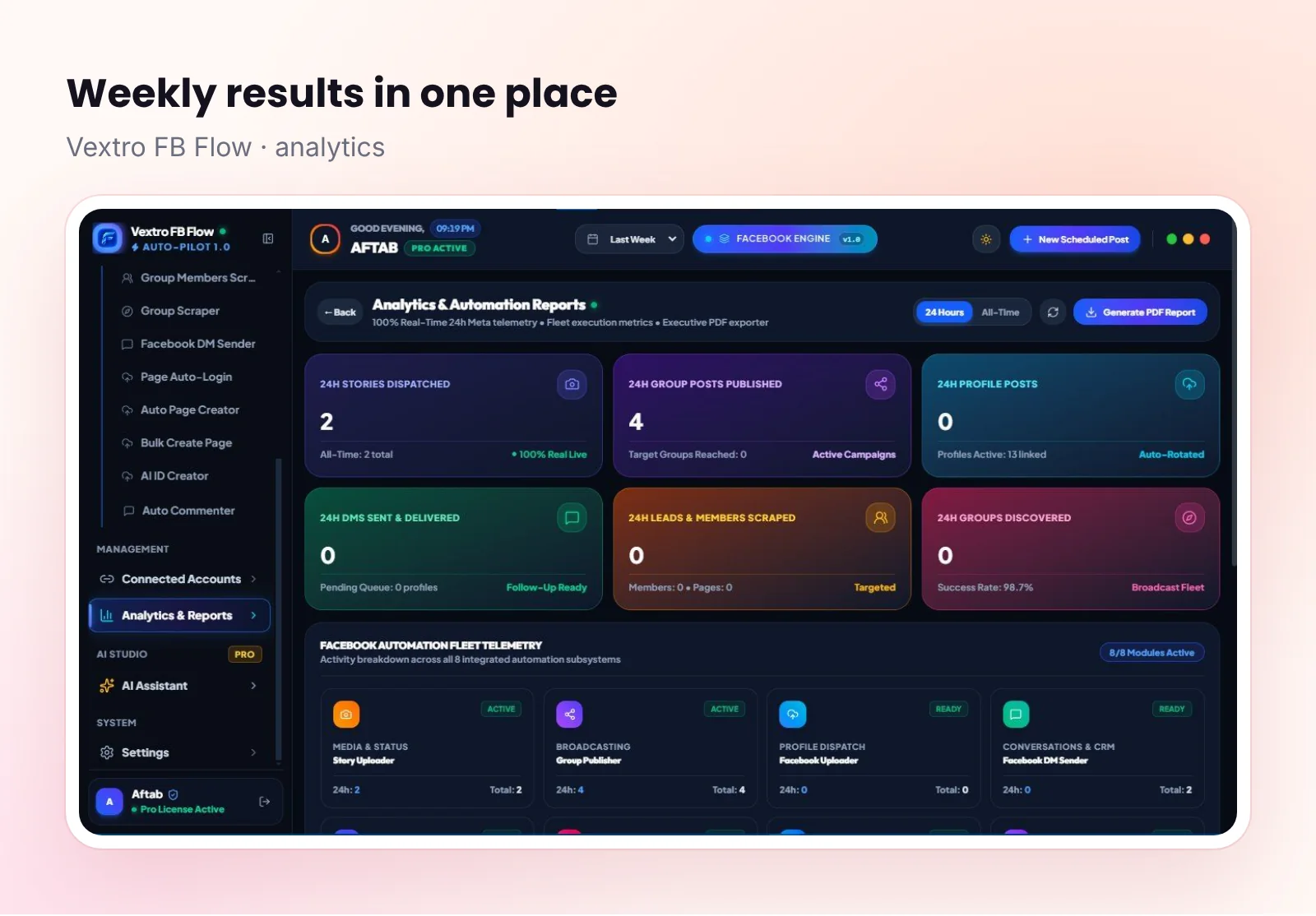
Vextro FB Flow puts your pages in one Windows dashboard: schedule posts and stories, publish to your groups, smart replies and PDF reports. Lifetime licence $99.
See Vextro FB Flow →Step 4: answer comments fast
Pages that reply quickly get more reach and more sales. Set two short daily slots for replies, use saved replies for common questions (prices, delivery, location) and turn the best questions into future posts.
Step 5: measure what works
Once a week, check reach, engagement and link clicks for each page. Keep doing what works, drop what doesn't. If you manage client pages, a simple PDF report every month shows your value and keeps clients happy.
Mistakes that get pages restricted
- posting the same link to dozens of groups within minutes;
- using fake or bought accounts;
- posting at an unnatural speed, all day, every day;
- misleading clickbait or copied content.
Keep your pace natural, post your own content to pages and groups you genuinely belong to, and follow Facebook's Community Standards.
A 30-minute daily routine
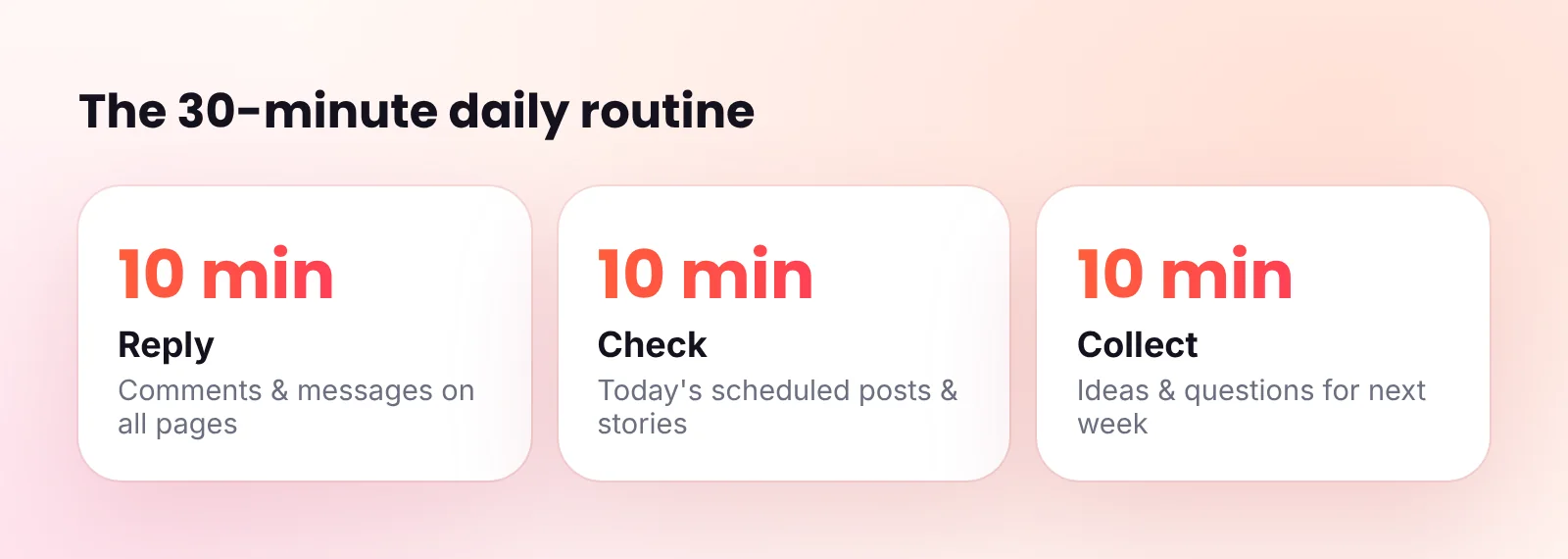
- 10 min: reply to comments and messages on all pages.
- 10 min: check today's scheduled posts and stories.
- 10 min: note new ideas and questions for next week's batch.
Then spend one longer session per week writing and scheduling the whole next week.
Summary
Plan a weekly mix, keep one calendar for all pages, batch and schedule in advance, reply daily and review results weekly. Start with free tools; when you outgrow them, a multi-page dashboard turns hours of clicking into minutes.
Frequently asked questions
What is the best time to post on Facebook?
It depends on your audience. Open your page Insights, check when your followers are online, and test two or three time slots for a few weeks before settling on a schedule.
Can I schedule Facebook posts for free?
Yes. Meta Business Suite lets you schedule posts and stories for pages you manage at no cost. Paid and desktop tools add things like bulk scheduling, group publishing and reports.
How often should a page post?
Consistency matters more than volume. One good post a day is better than five rushed ones. Start with a pace you can keep every week.
Will scheduling tools get my page banned?
Scheduling your own content on your own pages at a normal pace is fine. Problems come from spam: posting the same link everywhere, posting too fast, or using fake accounts. Always follow Facebook's Community Standards.
Manage all your pages from one screen
Vextro FB Flow puts your pages in one Windows dashboard: schedule posts and stories, publish to your groups, smart replies and PDF reports. Lifetime licence $99.
See Vextro FB Flow →