 Vextro Lyntra
AI is no longer just for big companies. Small businesses can now use AI to answer customers, follow up leads, write first drafts and turn messy data into clean reports. The key is to start with practical, low-risk tasks. Here are ten ideas that work in the real world.
10 practical ideas
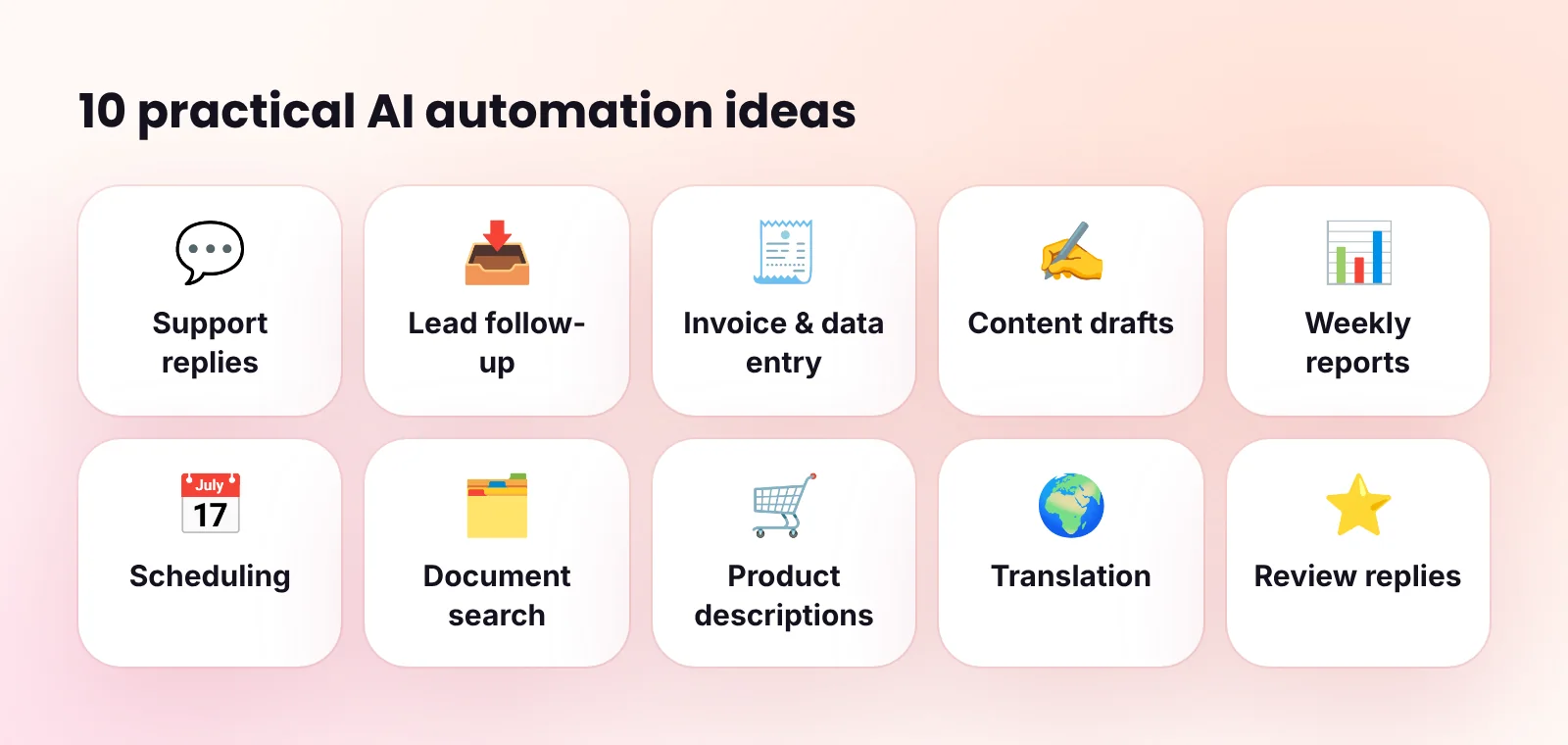
1. Answer common customer questions
An AI assistant trained on your FAQs, prices and policies can reply instantly on your website or WhatsApp and pass tricky chats to a person.
2. Follow up new leads
When someone fills in a form, AI can draft a personal reply, log the lead in your CRM and remind your team to call.
3. Data entry from invoices and forms
Extract names, amounts and dates from PDFs, receipts or emails and put them straight into a spreadsheet or accounting tool.
4. First drafts of content
Get first drafts of social posts, emails and blog outlines that your team then edits and improves.
5. Weekly reports
Pull numbers from sales, ads and website analytics and get a short written summary every Monday.
6. Scheduling and reminders
Let customers book times and get automatic reminders, reducing no-shows.
7. Search your own documents
Ask questions about your manuals, contracts or policies and get answers with links to the source.
8. Product descriptions
Turn product specs into clear, consistent descriptions for your store, then review them before publishing.
9. Translation
Translate messages, product pages and support replies between English, Urdu and other languages.
10. Replies to reviews
Draft polite, personal replies to customer reviews for a person to approve.
How to get started
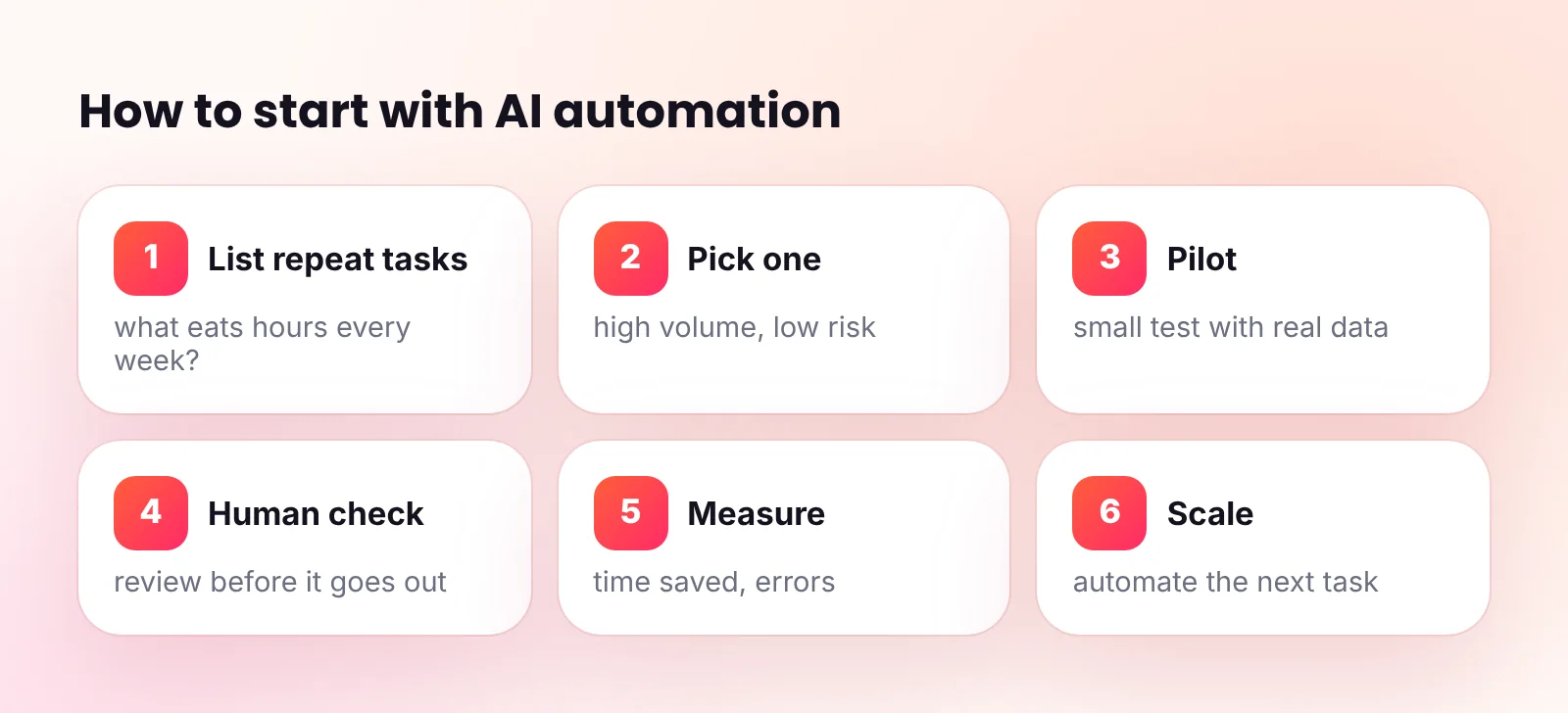
Pick a task that happens often, follows clear rules and isn't harmful if a draft needs a quick human check. Run a small pilot, measure the time saved, then move to the next task.
Tools that connect everything
Automation platforms such as Zapier, Make or n8n connect your forms, email, spreadsheets and CRM, while an AI model handles the "thinking" step: summarising, classifying or drafting. For more control, a custom integration can run on your own server.
Want to automate the boring work?
We find the tasks eating your team's time and build AI assistants and automations around your tools. From $499.
See AI automation →Use AI safely
Summary
Start with one repetitive task, keep a human in the loop, measure the results and grow from there. Done this way, AI automation saves hours every week and lets your team focus on customers.
Frequently asked questions
Is AI automation expensive?
It doesn't have to be. Many automations use tools you already pay for plus an AI service charged by usage. Start with one task and measure the time saved.
Will AI replace my staff?
For most small businesses AI removes repetitive work so people can focus on customers, sales and quality, rather than replacing them.
Is my data safe?
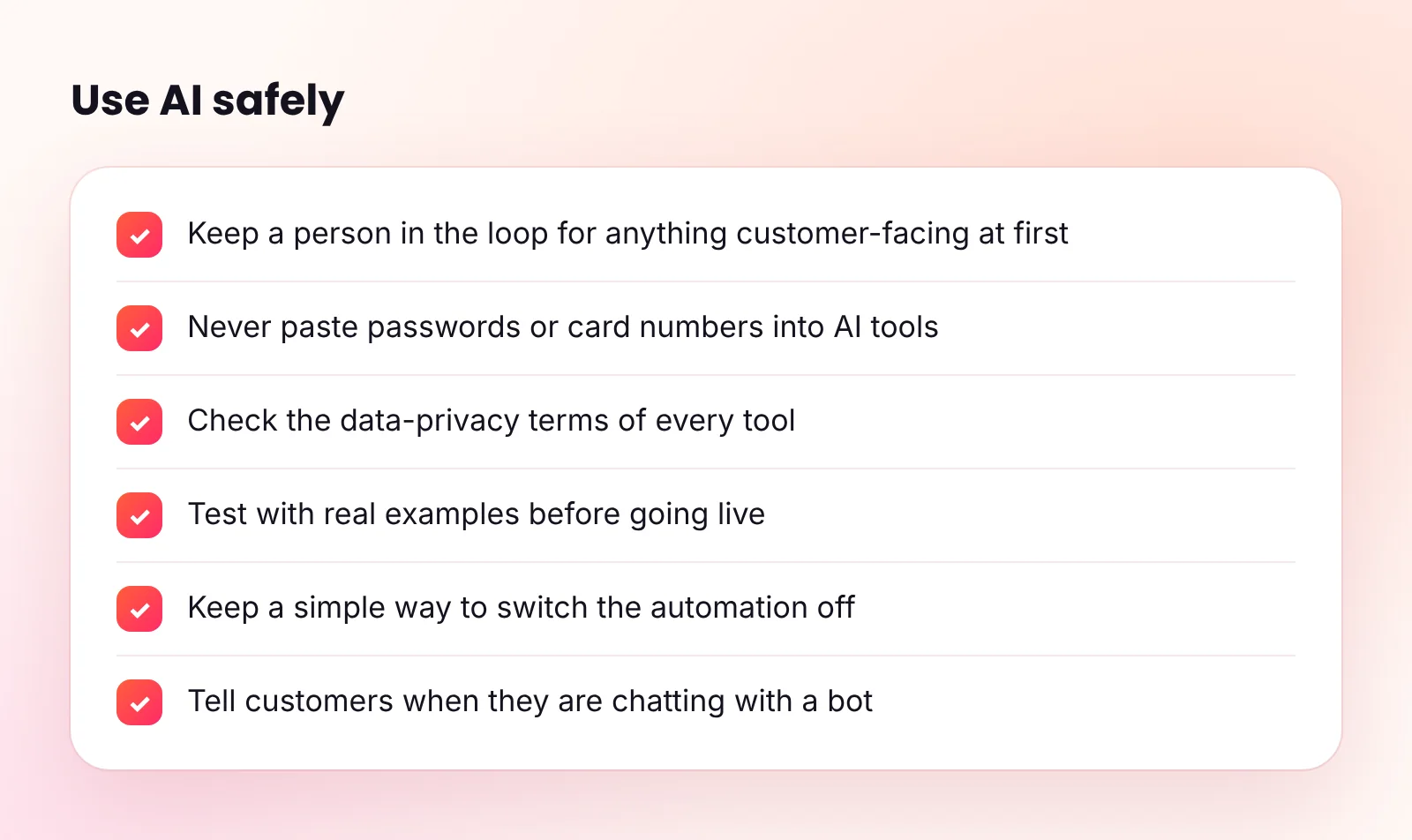
It depends on the tools and settings. Choose business plans with clear data policies, limit what data is shared and keep sensitive details out of prompts.
What should I automate first?
A task that happens many times a week, follows clear rules and isn't risky if a draft needs a human check, such as answering common questions or sorting emails.
Want to automate the boring work?
We find the tasks eating your team's time and build AI assistants and automations around your tools. From $499.
See AI automation →