 Vextro Lyntra

Most blog posts never get a single visitor from Google. The ones that do aren't written by luck; they answer a real search better than anything else. Here's a simple template you can use for every post.
Step 1: match the search intent
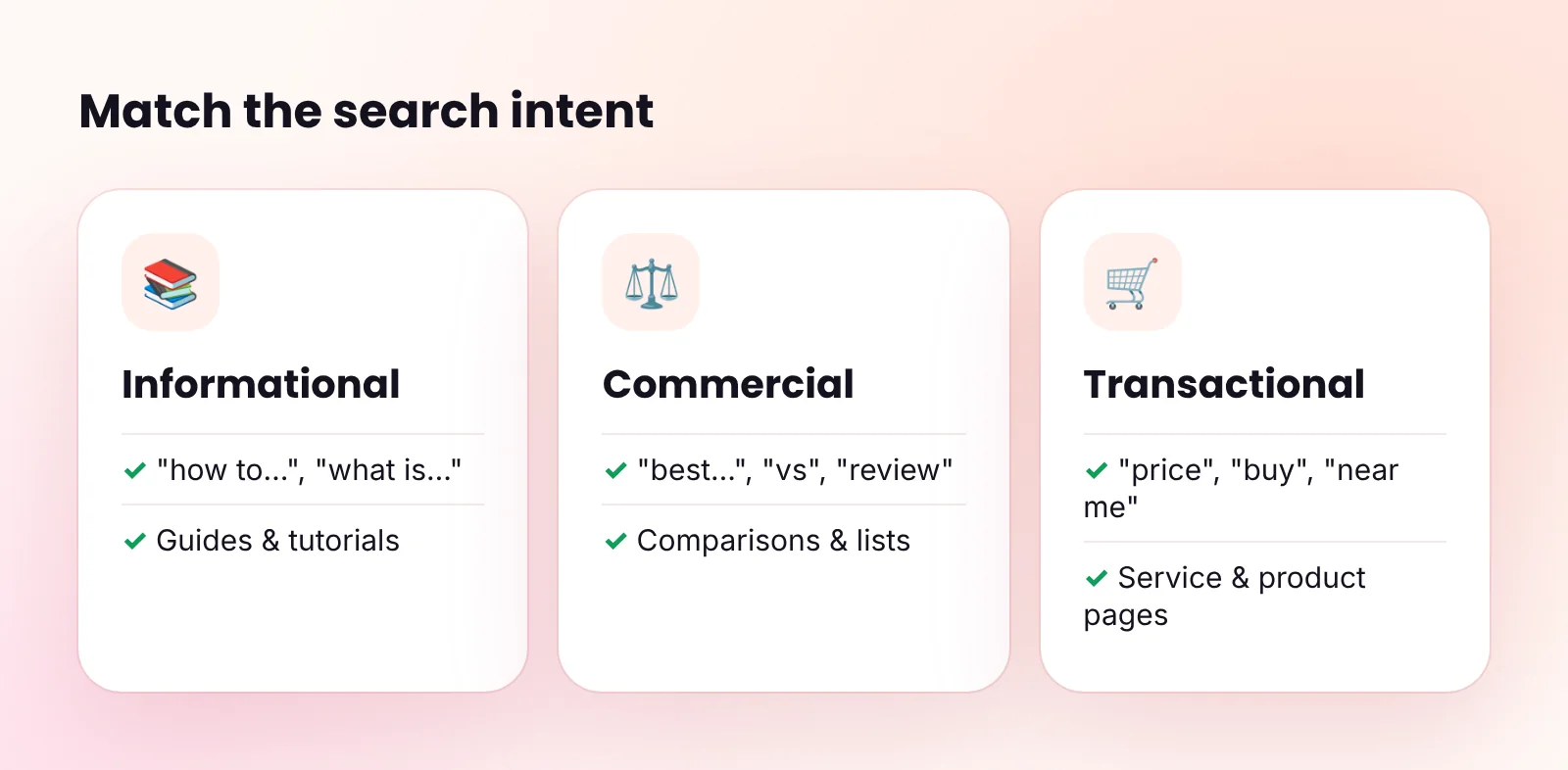
Search your keyword on Google and look at the top results. Are they guides, lists, comparisons or product pages? That tells you what Google thinks searchers want.
Step 2: build the outline
List the questions a searcher has, using the "People also ask" box, related searches and the headings of top results. Each question becomes an H2 or H3. Then add something the others don't have: your experience, a table, a checklist or a real example.
Step 3: follow the template
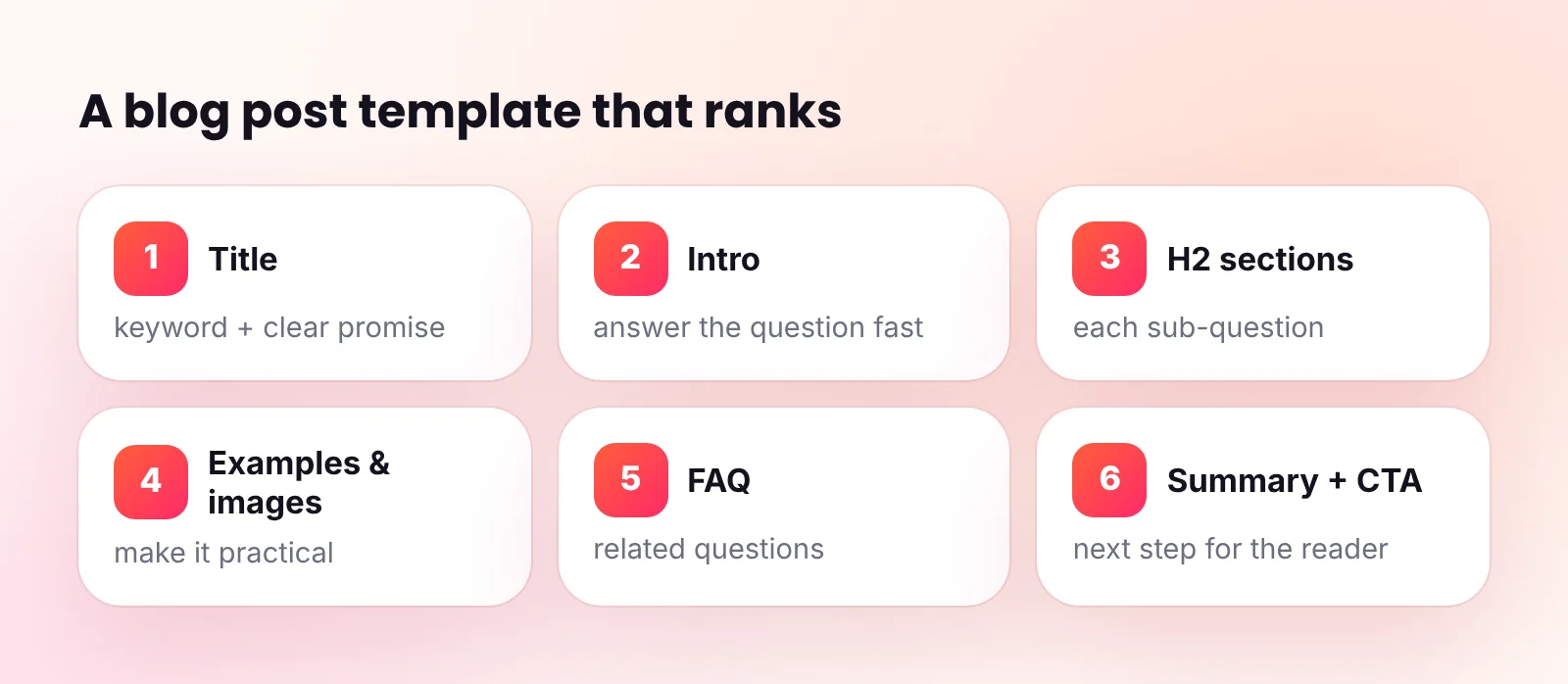
- Title: include the main keyword and a clear promise. Keep it around 60 characters.
- Intro: answer the main question quickly, then explain what the post covers.
- Sections: one sub-question each, with short paragraphs and lists.
- Examples and images: screenshots, diagrams and tables make it practical.
- FAQ: answer related questions briefly.
- Summary and call to action: the next step for the reader.
Need content that ranks and sells?
We write SEO blog posts, website copy and product descriptions in a clear, human voice. From $49.
See content writing →Step 4: write for people
- Use simple words and short sentences.
- Write like you're explaining to a friend.
- Be specific: numbers, steps, examples.
- Cut filler. Every paragraph should earn its place.
Step 5: on-page SEO
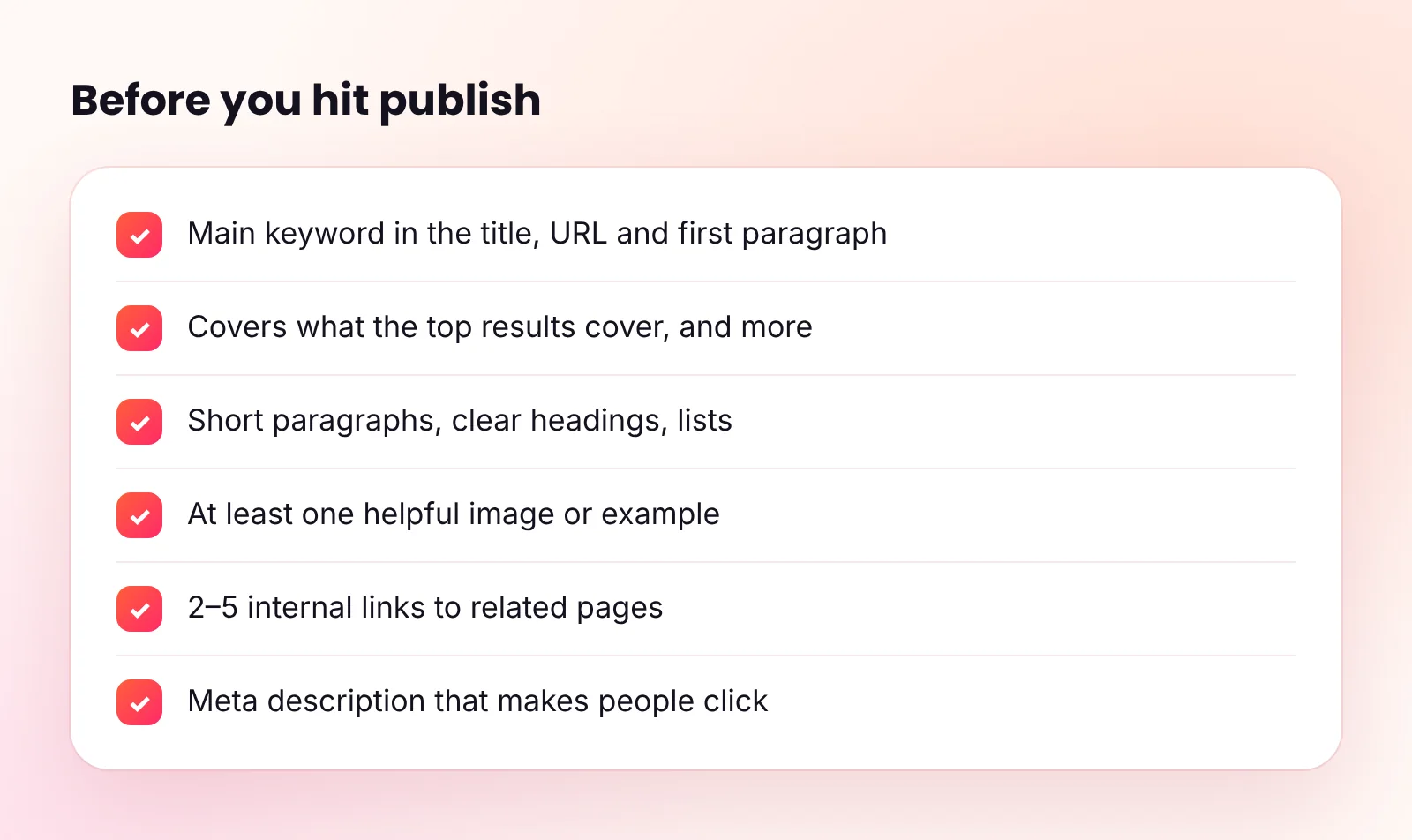
Put the keyword in the title, URL, first paragraph and at least one heading. Add descriptive alt text to images, link to 2 to 5 related pages on your site, and write a meta description that makes people want to click.
Pre-publish checklist
Step 6: promote and update
Share the post on social media and in your newsletter, link to it from older posts, and check Search Console after a few weeks. Update posts that rank on page two with better answers; they often move up.
Summary
Match the intent, outline every question, follow a clear template, write simply and handle the on-page basics. Then keep improving. That's how blog posts turn into steady traffic from Google.
Frequently asked questions
How long should a blog post be?
Long enough to fully answer the question. For many topics that's 1,000 to 2,000 words, but quality and completeness matter more than word count.
How many keywords should one post target?
One main keyword plus closely related phrases. Write naturally; don't repeat the keyword unnaturally.
Can I use AI to write blog posts?
AI can help with outlines and drafts, but Google rewards helpful, original content. Add your own experience, examples and checks before publishing.
How often should I publish?
A steady schedule you can keep, such as one or two quality posts a week, beats many rushed posts.
Need content that ranks and sells?
We write SEO blog posts, website copy and product descriptions in a clear, human voice. From $49.
See content writing →