 Vextro Lyntra
Two videos with the same footage can perform completely differently, and the difference is the edit. Good editing grabs attention in the first seconds and keeps people watching until the end. Here are twelve practical tips for Reels, TikTok, Shorts and YouTube.
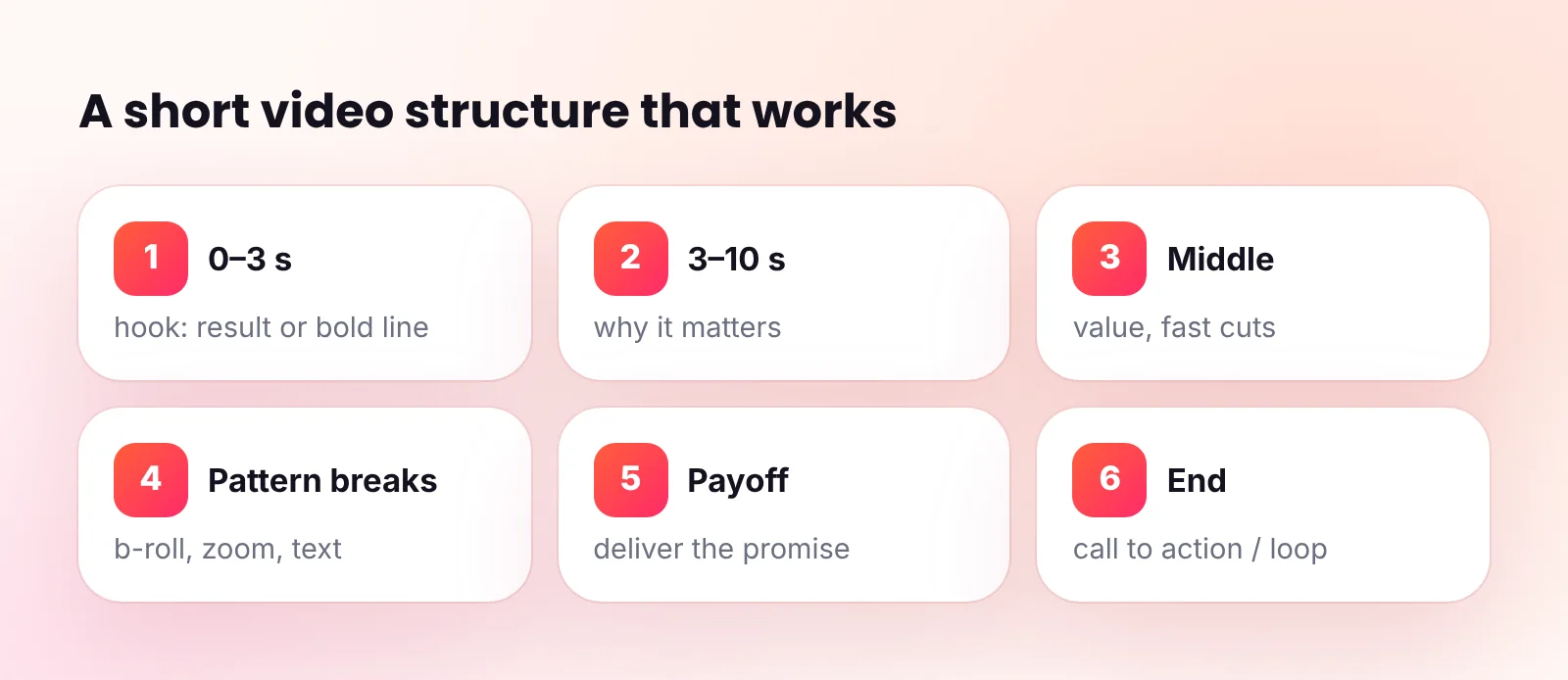
A structure that holds attention
12 editing tips
1. Start with the hook
Open with the result, the most surprising moment or a bold line. Cut any "hi guys, welcome back" intro.
2. Cut the pauses
Remove breaths, "umm"s and silence. Jump cuts keep energy high.
3. Change something every few seconds
Switch angle, zoom in, add b-roll or on-screen text. These pattern breaks reset attention.
4. Add captions
Big, readable captions with key words highlighted. Many people watch without sound.
5. Use b-roll to show, not tell
When you mention a product or place, show it.
6. Get the sound right
Clear voice matters more than perfect video. Reduce background noise and keep music lower than the voice.
7. Use sound effects lightly
A few swooshes and pops add energy; too many get annoying.
8. Keep colours consistent
Basic colour correction so every clip matches in brightness and tone.
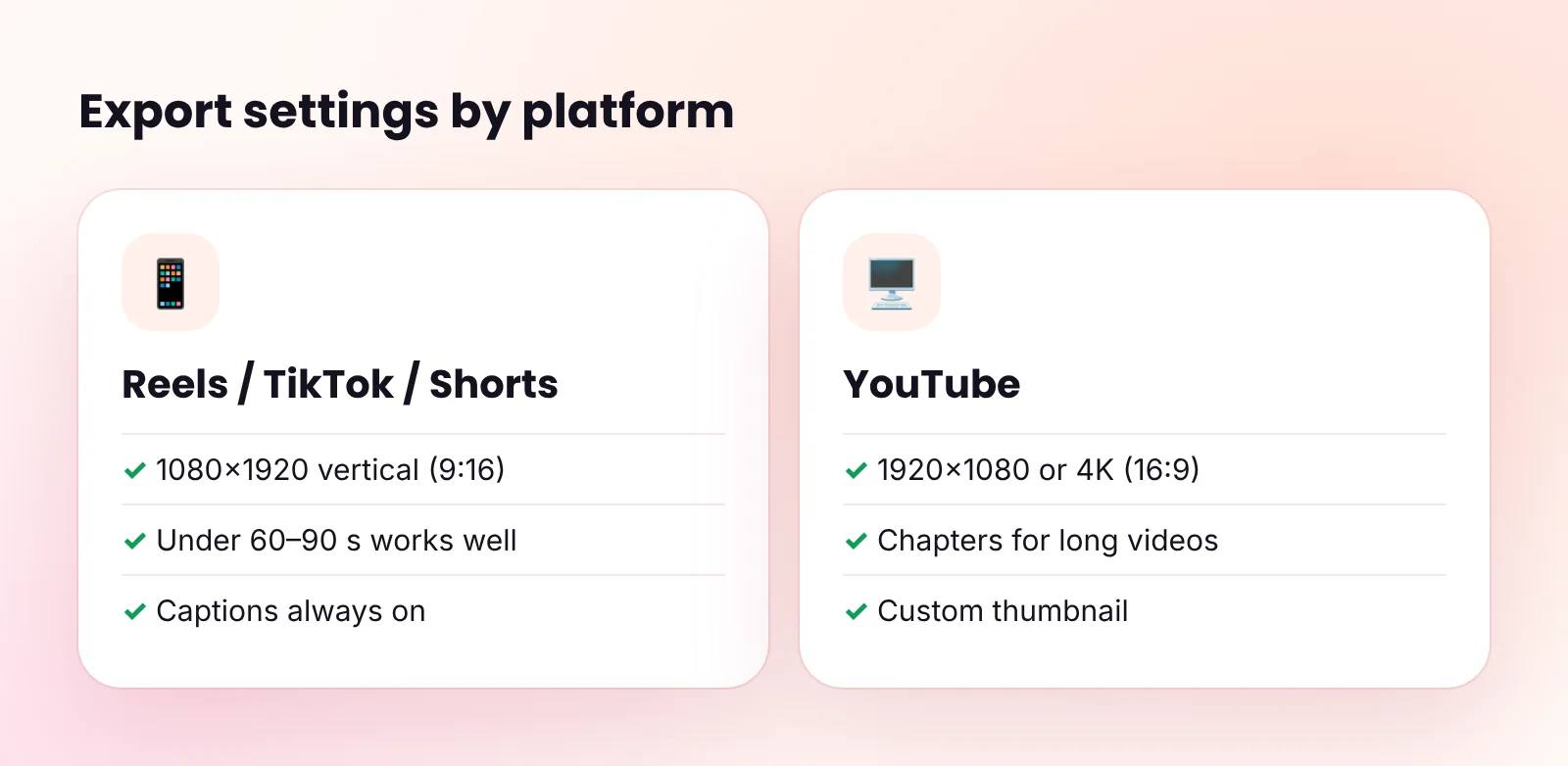
9. Match the platform format
10. Keep text inside the safe zone
On Reels and TikTok, buttons and captions cover the edges and bottom. Keep important text in the middle.
11. End with a clear next step
Ask a question, point to the next video, or make the ending loop back to the start for Shorts.
12. Use only licensed assets
Use the platform's music library or royalty-free tracks, and licensed stock footage and fonts.
When to add motion graphics
Animated titles, lower-thirds, icons and simple explainer animations make tutorials, ads and product videos clearer and more professional. Use them to explain, not just decorate.
Need videos edited by pros?
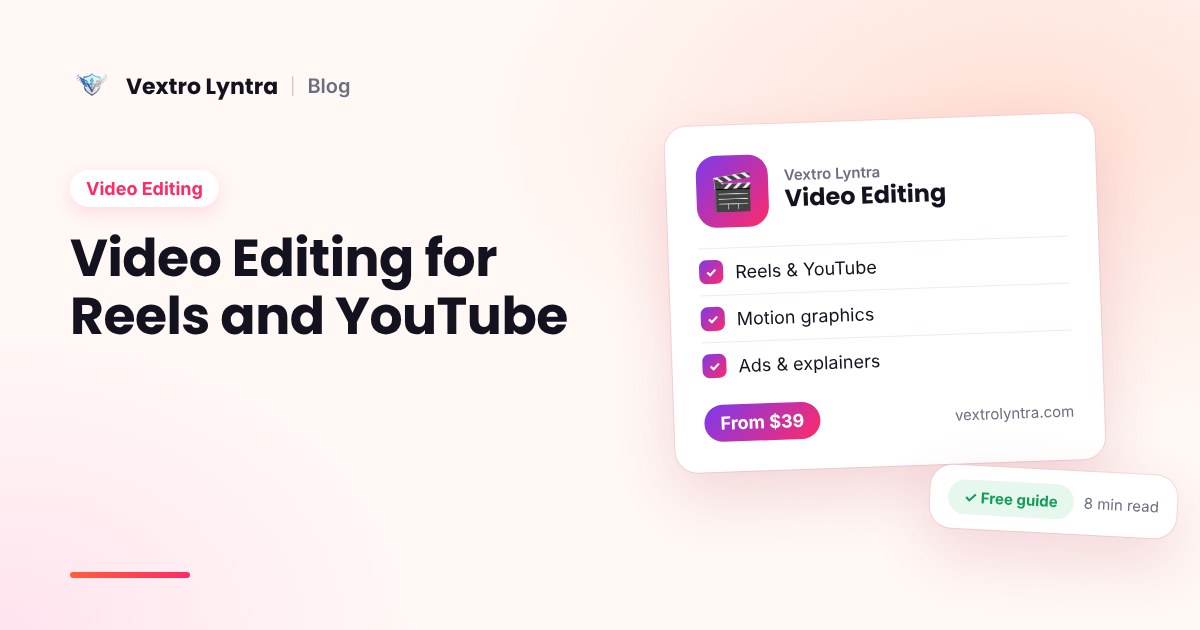
Send your footage; we edit scroll-stopping reels, YouTube videos, ads and animated explainers. From $39.
See video editing →Final check before export
Summary
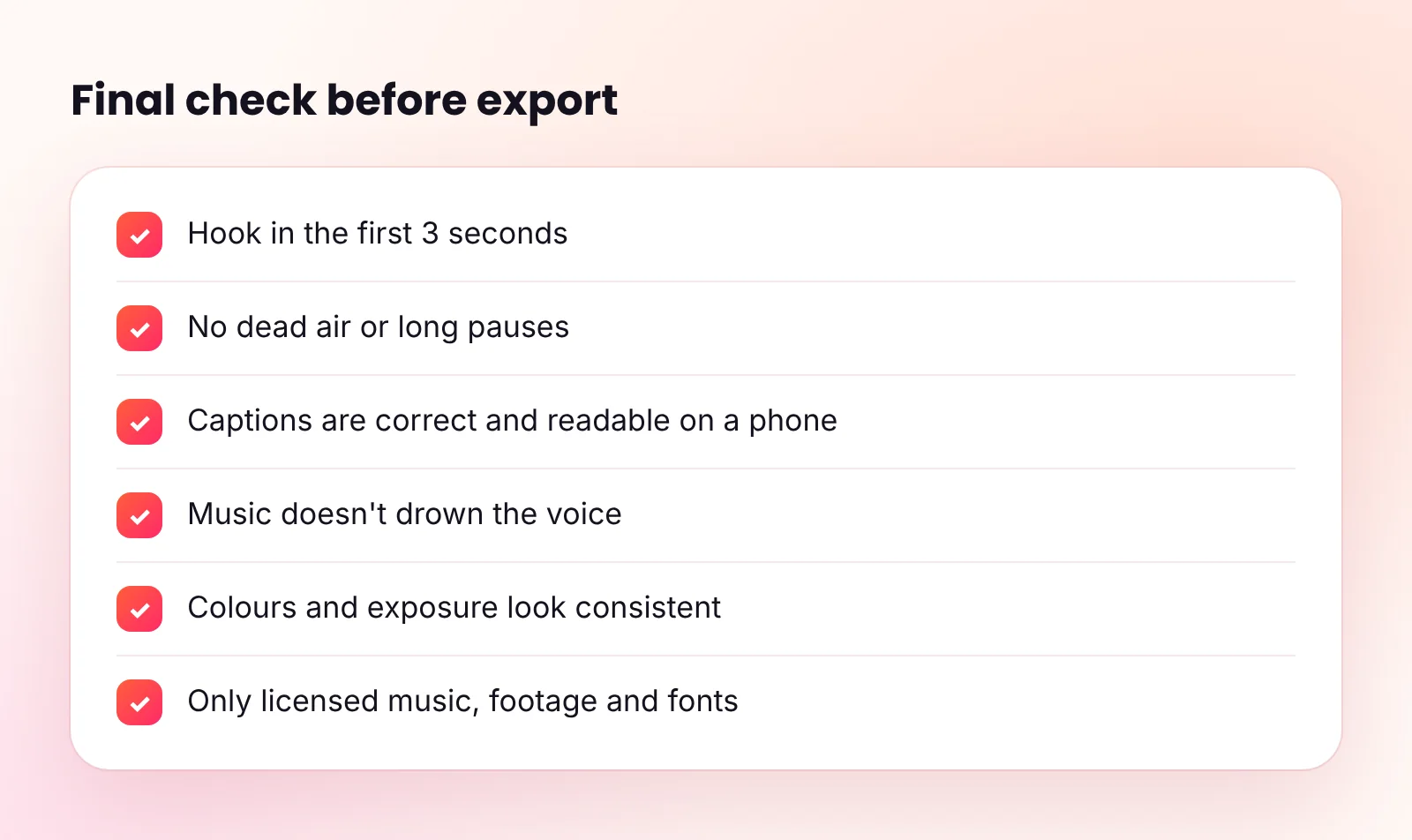
Hook fast, cut the slow parts, change visuals often, caption everything, get the sound right and export for each platform. Edit with the viewer's attention in mind, and your videos will hold people longer, which is exactly what every platform rewards.
Frequently asked questions
What software is best for video editing?
Popular choices are Adobe Premiere Pro, DaVinci Resolve (free version available) and Final Cut Pro, plus CapCut for quick mobile edits.
How long should a Reel be?
Short enough to keep attention all the way through. Many successful Reels are 15 to 45 seconds, but the right length is the one where viewers don't drop off.
Do captions really matter?
Yes. Many people watch with sound off, and captions also help viewers follow fast speech.
Can I use any music?
Only music you have the rights to, such as the platform's licensed library or royalty-free tracks. Copyrighted music can get videos muted or removed.
Need videos edited by pros?
Send your footage; we edit scroll-stopping reels, YouTube videos, ads and animated explainers. From $39.
See video editing →