 Vextro Lyntra
If you scrape prices, track search rankings or check how a website looks in another country, sooner or later you need proxies. And then the questions start: residential or data-centre? HTTP or SOCKS5? Rotating or static? This guide explains the differences in plain English, so you can pick the right type for the job without paying for features you don't need.
What a proxy actually does
A proxy is a middleman server. Instead of your computer connecting to a website directly, it connects to the proxy, and the proxy connects to the website for you. The website sees the proxy's IP address and location, not yours.
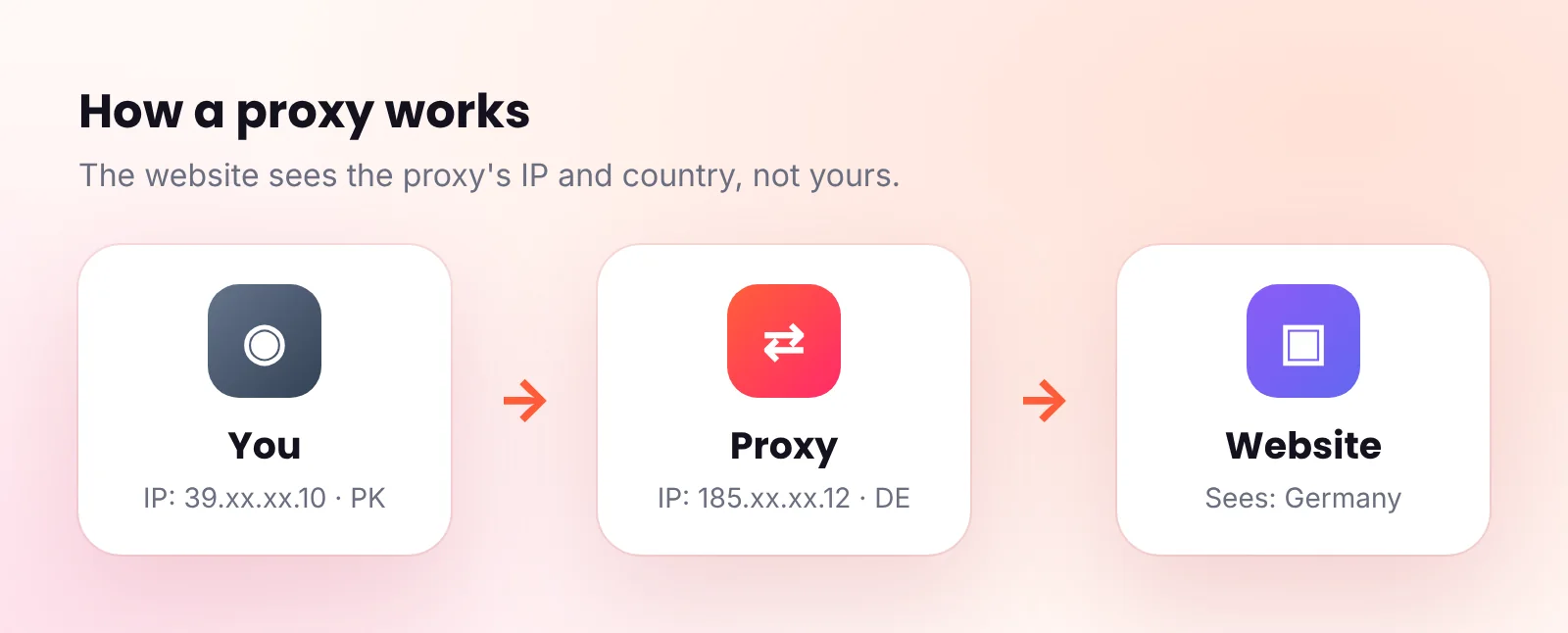
For scraping this matters for two reasons:
- Spreading requests. Thousands of requests from one IP look unusual and often get slowed down or blocked. Spreading them over many IPs keeps your job stable.
- Seeing local results. Prices, search results and ads change by country. A proxy in Germany shows you what a German visitor sees.
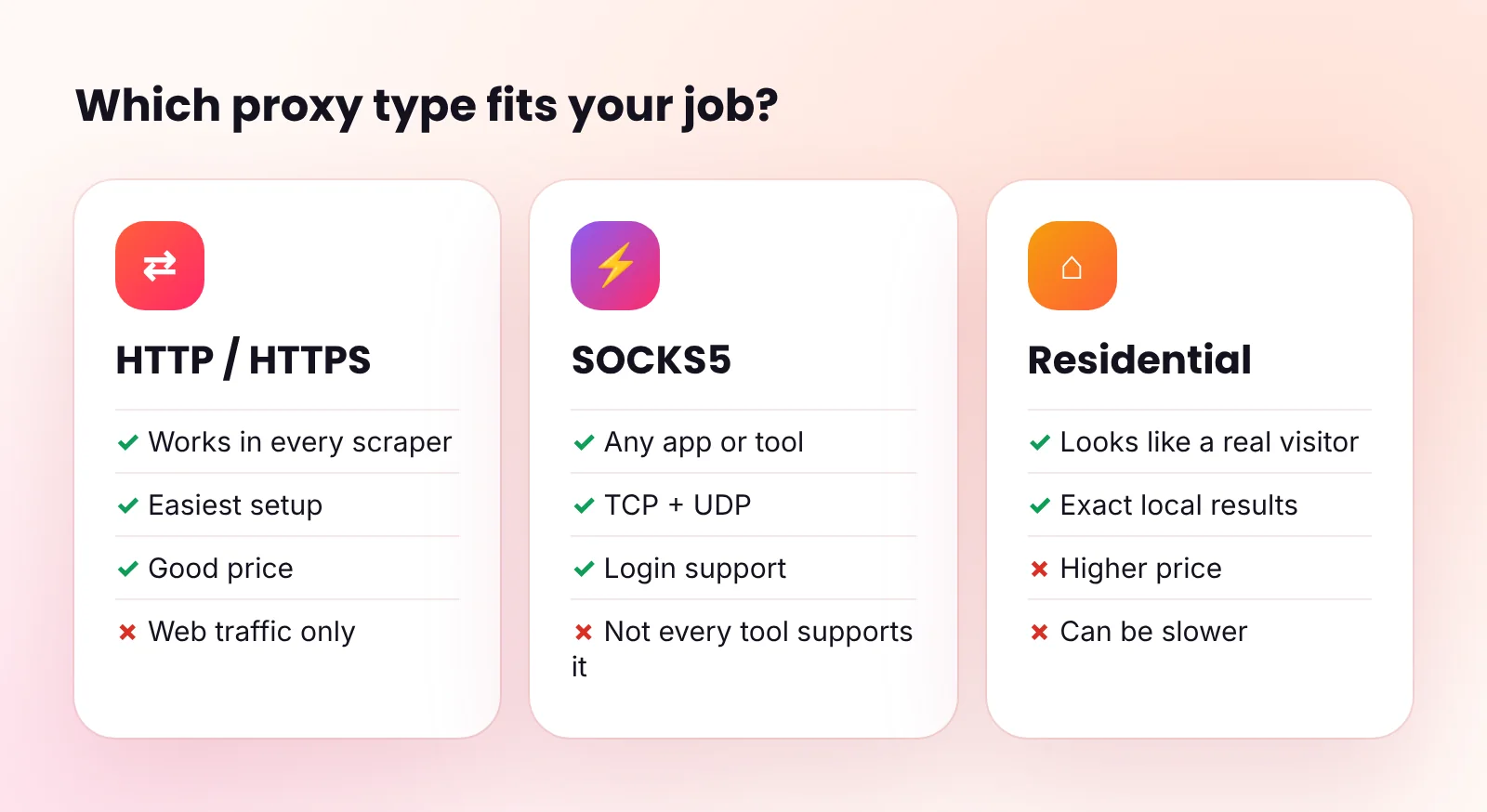
HTTP / HTTPS proxies
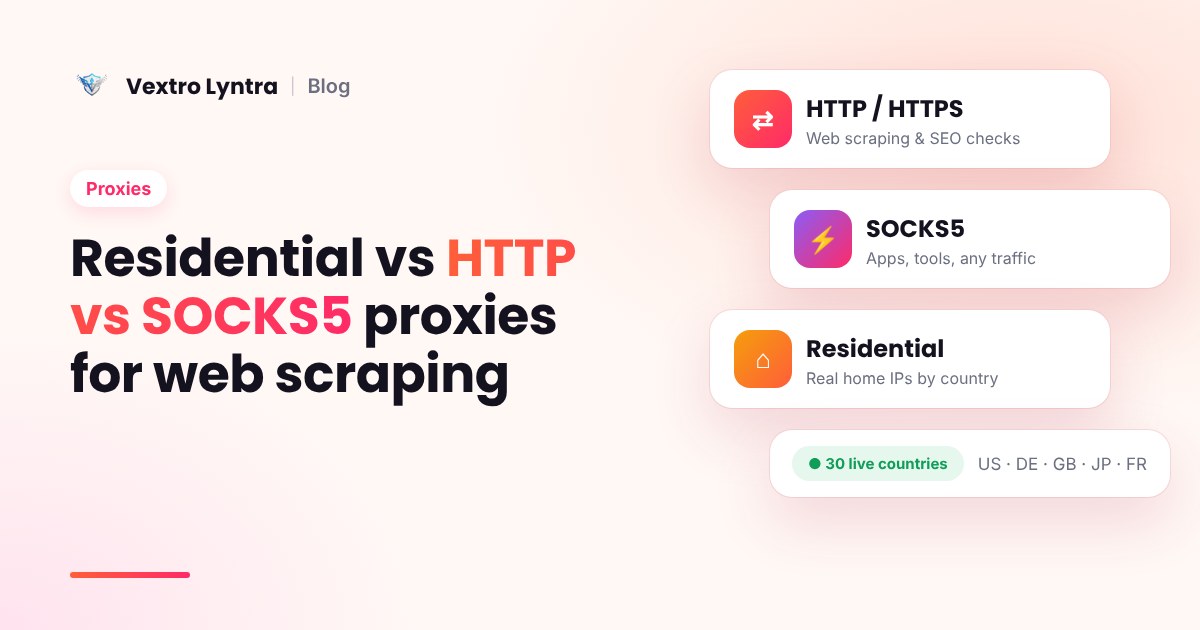
HTTP proxies are built for web traffic. Every browser, scraper and automation tool supports them, and you usually paste them in this format:
http://USER:PASS@IP:PORT
Despite the name, an HTTP proxy can carry HTTPS traffic too: your browser opens an encrypted tunnel through it, so the proxy can see which site you visit but not the page contents.
Best for: scraping websites, SEO rank checks, price monitoring, anything that runs in a browser or an HTTP library such as Python requests, Scrapy, Puppeteer or Playwright.
SOCKS5 proxies
SOCKS5 works one level lower. It does not care what kind of traffic you send; it simply forwards it. That makes it more flexible:
- works with apps, desktop tools and games, not only websites;
- supports both TCP and UDP traffic;
- supports username and password authentication.
Best for: desktop software, tools that ask for a "SOCKS" setting, and any job that is not plain web browsing. SOCKS4 is the older version without authentication or UDP; you only need it for legacy software that supports nothing else.
Need proxies for scraping?
Vextro Proxy gives you HTTP, HTTPS, SOCKS4, SOCKS5 and residential proxies in 30 live countries, with a built-in tester. $99/month or $249 lifetime.
See Vextro Proxy →Residential proxies
"Residential" describes where the IP comes from, not the protocol. A residential IP belongs to a normal home internet connection from a real internet provider, so to a website the visit looks like a regular person in that country. Data-centre IPs, on the other hand, come from hosting companies and are easier for websites to recognise.
Best for: sites that show different content by country, ad verification, local SEO checks and travel or e-commerce price comparison, where looking like a local visitor matters.
Trade-off: residential IPs are usually more expensive and can be slower than data-centre IPs, so don't use them where a simple HTTP proxy works fine.
Quick decision table
| Your job | Pick |
|---|---|
| Scraping public product pages or listings | HTTP/HTTPS, rotating |
| Checking Google rankings in other countries | HTTP/HTTPS in the target country |
| Comparing prices or ads exactly as locals see them | Residential in the target country |
| Desktop app or tool with a "SOCKS" option | SOCKS5 |
| Very old software | SOCKS4 |
Rotating vs static IPs
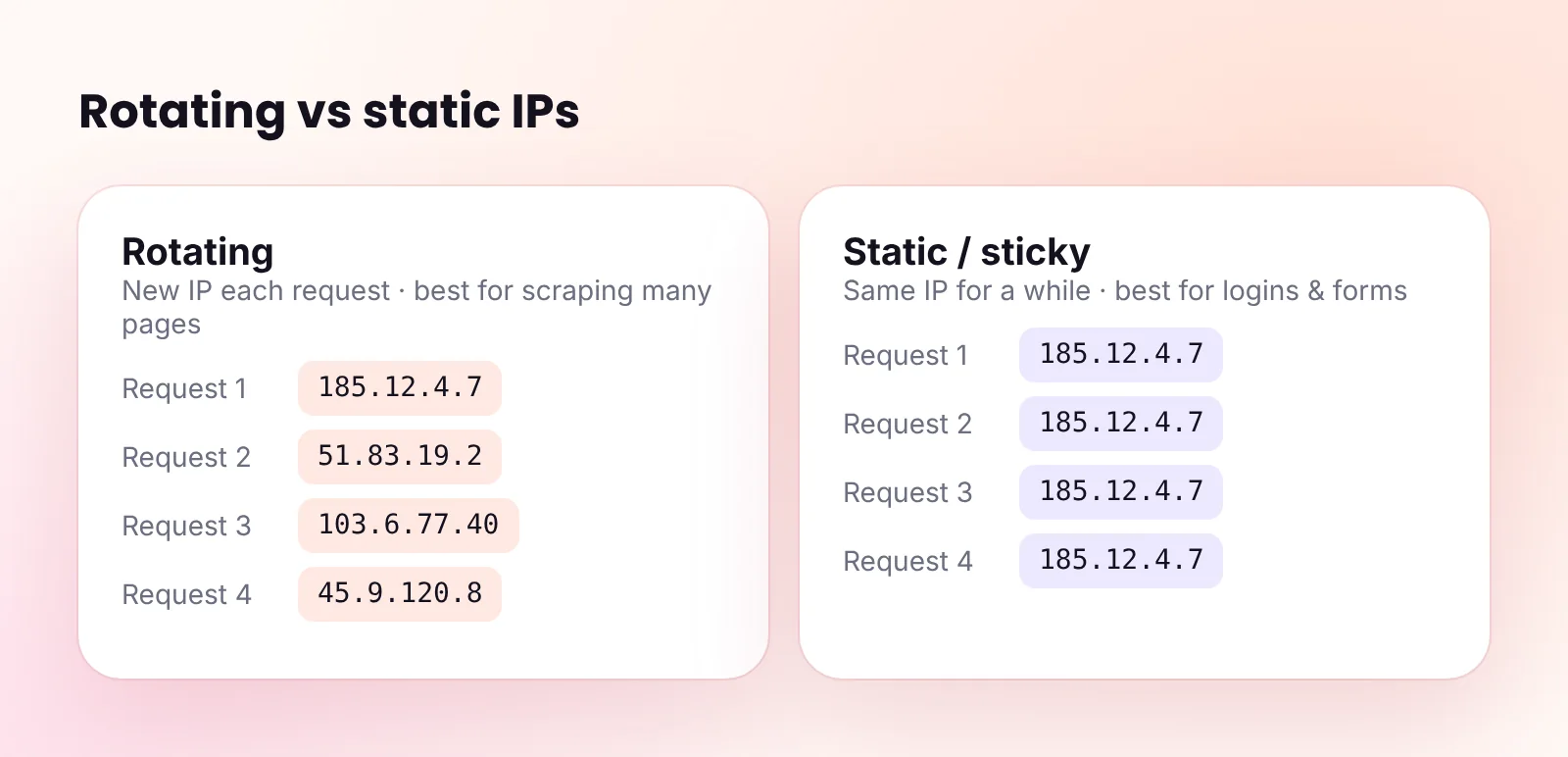
Rotating means you get a different IP for each request or every few minutes. That is ideal for scraping many pages, because no single IP sends too many requests. Static (or "sticky") means you keep the same IP for a while, which you need when a task depends on staying on one session, such as filling a multi-step form.
How to use a proxy in Python
Here is the simplest possible example with the requests library. Replace the placeholders with a proxy from your list:
import requests

proxy = "http://USER:PASS@IP:PORT"
r = requests.get("https://example.com",
                 proxies={"http": proxy, "https": proxy},
                 timeout=20)
print(r.status_code)
For SOCKS5, install requests[socks] and use socks5h://USER:PASS@IP:PORT instead (the h makes DNS lookups go through the proxy too).
7 tips for stable scraping
- Test before you use. Remove dead or slow proxies first; a list with 20% dead entries makes every job slower.
- Slow down. Add small random delays between requests instead of firing everything at once.
- Rotate user agents along with IPs, and keep cookies per session.
- Match the country of the proxy to the market you want to see.
- Retry smartly: on a timeout or block, switch proxy and try again later, don't hammer the same IP.
- Respect the site: follow its terms, robots rules and rate limits, and only collect public data you are allowed to use.
- Never send passwords through free public proxies. Anyone running them can see your traffic.
Summary
Start with HTTP/HTTPS proxies: they work everywhere and cover most scraping jobs. Switch to residential IPs when location accuracy matters, and use SOCKS5 for apps and tools that need it. Whatever you choose, test your list first and keep your request rate polite.
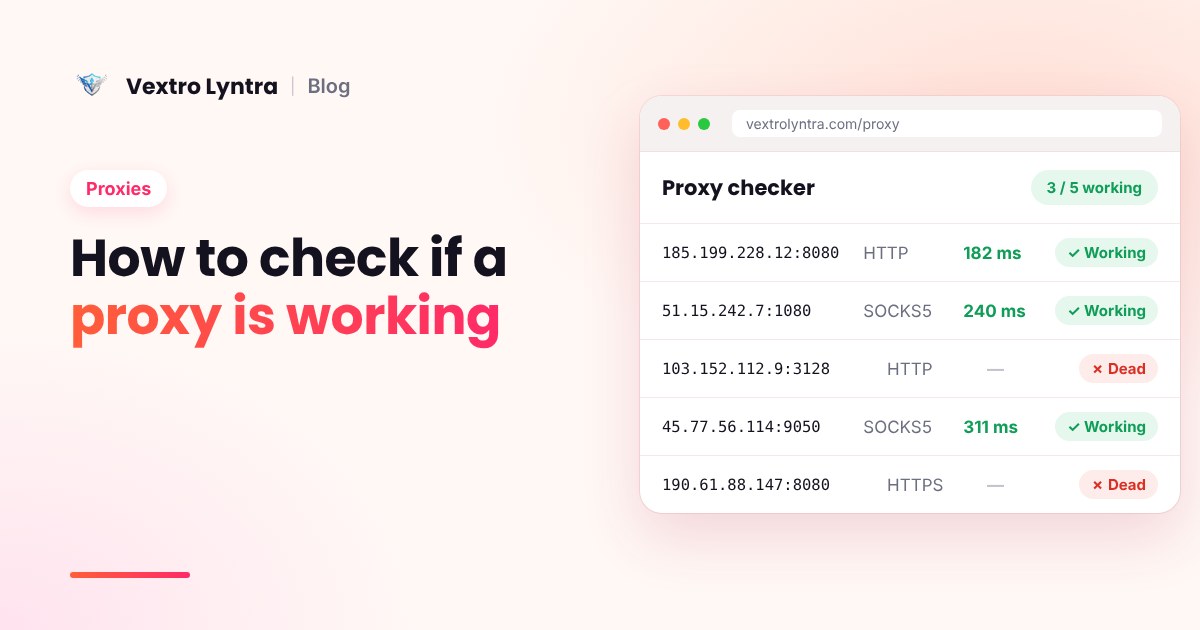
Want to test a few proxies right now? Use the free proxy checker on our Vextro Proxy page; it checks up to 20 proxies from our server and shows which ones work.
Frequently asked questions
Which proxy is best for web scraping?
For most public-data scraping, HTTP/HTTPS proxies are the easiest to set up and are supported by every tool. Use residential IPs when a site shows different content by country or is strict with data-centre traffic, and SOCKS5 when your tool or app needs non-web traffic.
Is SOCKS5 faster than HTTP?
SOCKS5 adds less processing because it simply forwards traffic, so it can feel slightly faster. In practice the speed you get depends far more on the proxy server, its location and how busy it is than on the protocol.
Are free proxies safe for scraping?
Free public proxies are shared, often slow and can see the traffic you send through them. They are fine for testing, but never send passwords or private data through them, and use private proxies for real work.
Is web scraping legal?
Collecting publicly available data is generally allowed in many places, but you must follow each website's terms, respect robots rules and rate limits, and never collect personal data you are not allowed to use. When in doubt, ask a lawyer for your country.
Need proxies for scraping?
Vextro Proxy gives you HTTP, HTTPS, SOCKS4, SOCKS5 and residential proxies in 30 live countries, with a built-in tester. $99/month or $249 lifetime.
See Vextro Proxy →