 Vextro Lyntra
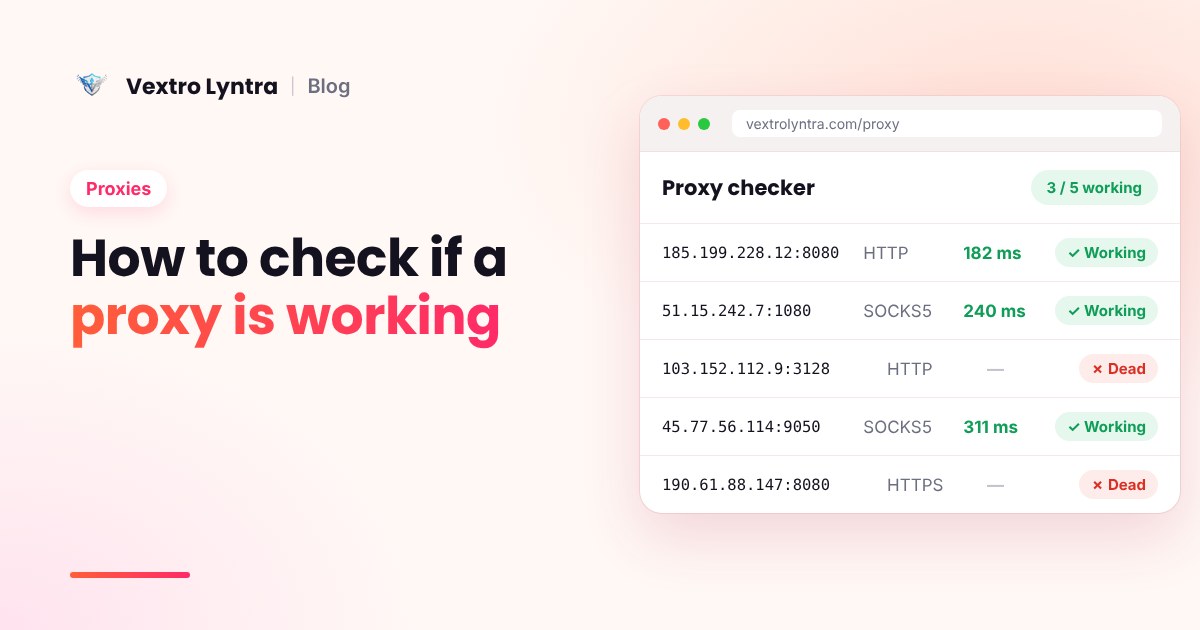
You have a list of proxies, but which ones actually work? Dead proxies are the number one reason scrapers time out and tools freeze. Here are four ways to test a proxy, from a 10-second online check to a script that cleans a whole list.
Signs a proxy is not working
- pages never finish loading or time out;
- errors like "Proxy connection failed", 407 Proxy Authentication Required or ERR_TUNNEL_CONNECTION_FAILED;
- the website still shows your real country;
- it works for a few requests, then stops.
Method 1: use a free online proxy checker
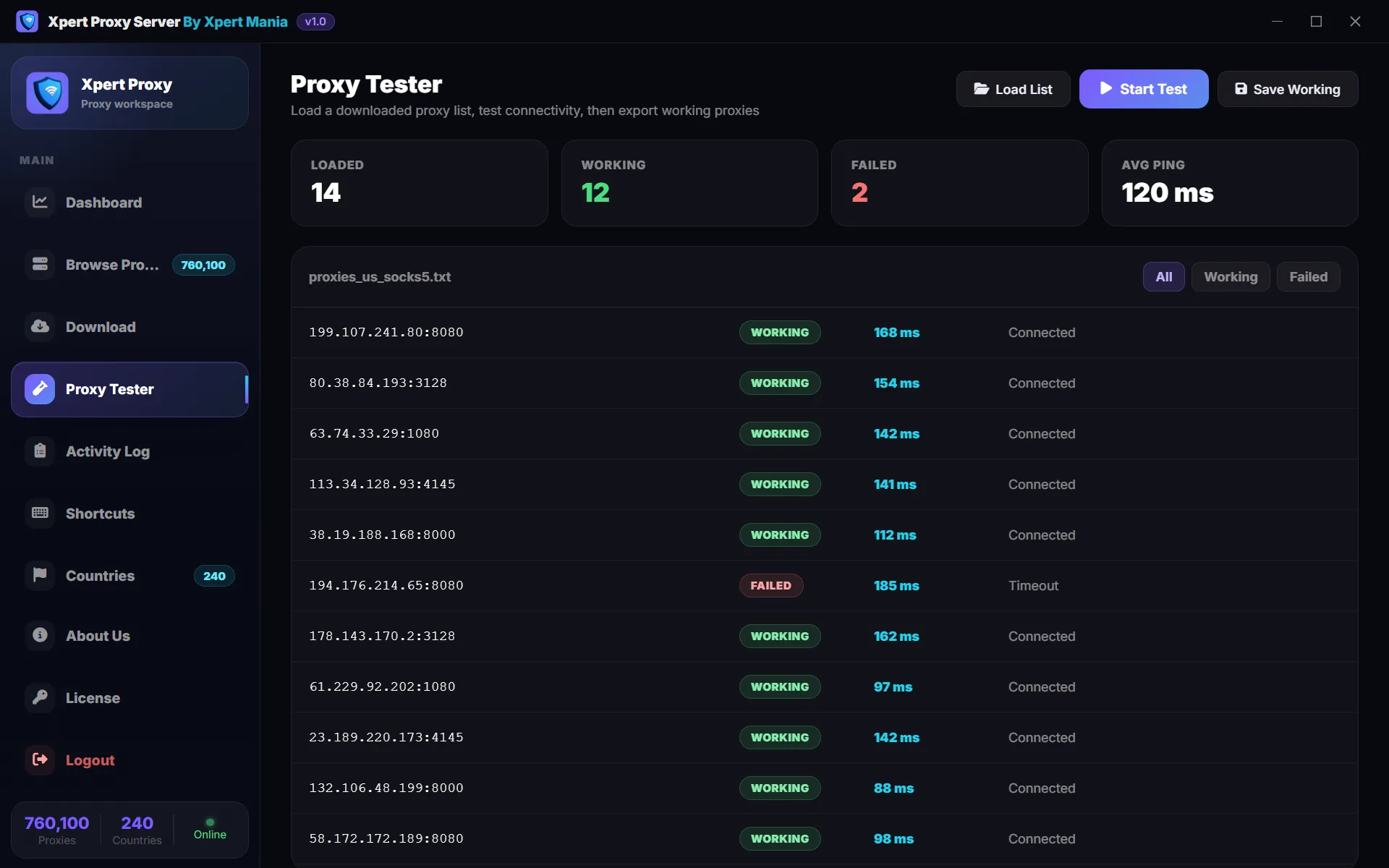
The fastest way. Paste your proxies (one per line, as IP:PORT or USER:PASS@IP:PORT), pick the protocol or leave it on auto-detect, and press check. A good checker tells you for each proxy whether it works, which protocol it speaks and how fast it answered.
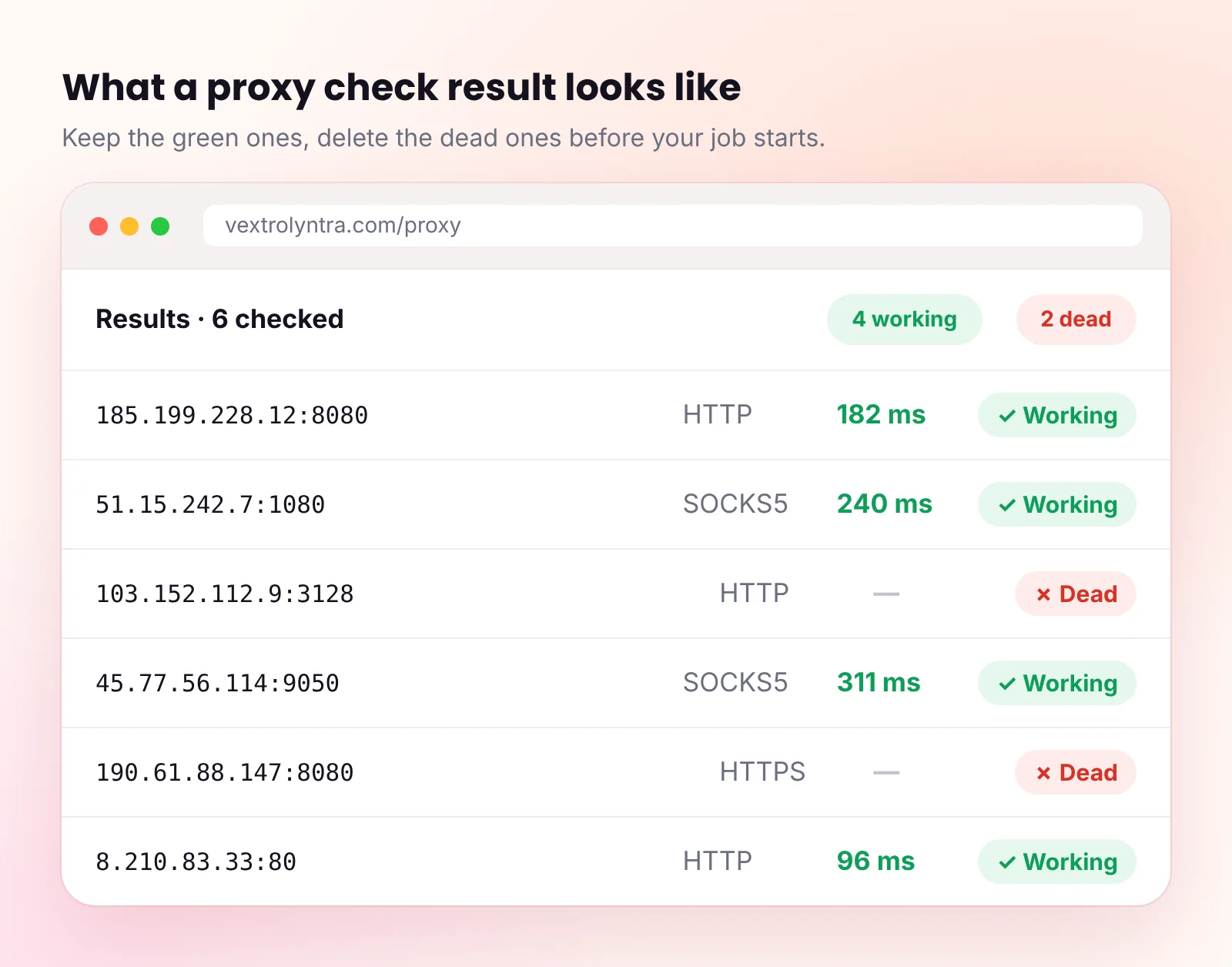
You can use ours for free on the Vextro Proxy page: it tests up to 20 proxies at a time from our server.
Method 2: test in your browser
- Install a proxy switcher extension, or set the proxy in your browser's network settings.
- Open any "what is my IP" website.
- If it shows the proxy's IP and country instead of yours, the proxy works.
This is good for checking one proxy, but slow for a list.
Check your proxies for free
Paste up to 20 proxies into our free checker and see which ones work, with protocol and speed, tested from our server.
Open the free proxy checker →Method 3: test with cURL
From a terminal (cURL is built into Windows 10/11, macOS and Linux):
curl -x "http://USER:PASS@IP:PORT" https://api.ipify.org

# SOCKS5
curl --socks5-hostname "USER:PASS@IP:PORT" https://api.ipify.org
If it prints the proxy's IP, it works. If it hangs or prints an error, it doesn't.
Method 4: clean a whole list with Python
import requests, concurrent.futures as cf

def check(p):
    proxy = "http://" + p
    try:
        r = requests.get("https://api.ipify.org", timeout=8,
                         proxies={"http": proxy, "https": proxy})
        return p, r.ok
    except Exception:
        return p, False

proxies = open("proxies.txt").read().split()
with cf.ThreadPoolExecutor(50) as ex:
    good = [p for p, ok in ex.map(check, proxies) if ok]

open("working.txt", "w").write("\n".join(good))
print(len(good), "working out of", len(proxies))
What the results mean
| Term | Meaning |
|---|---|
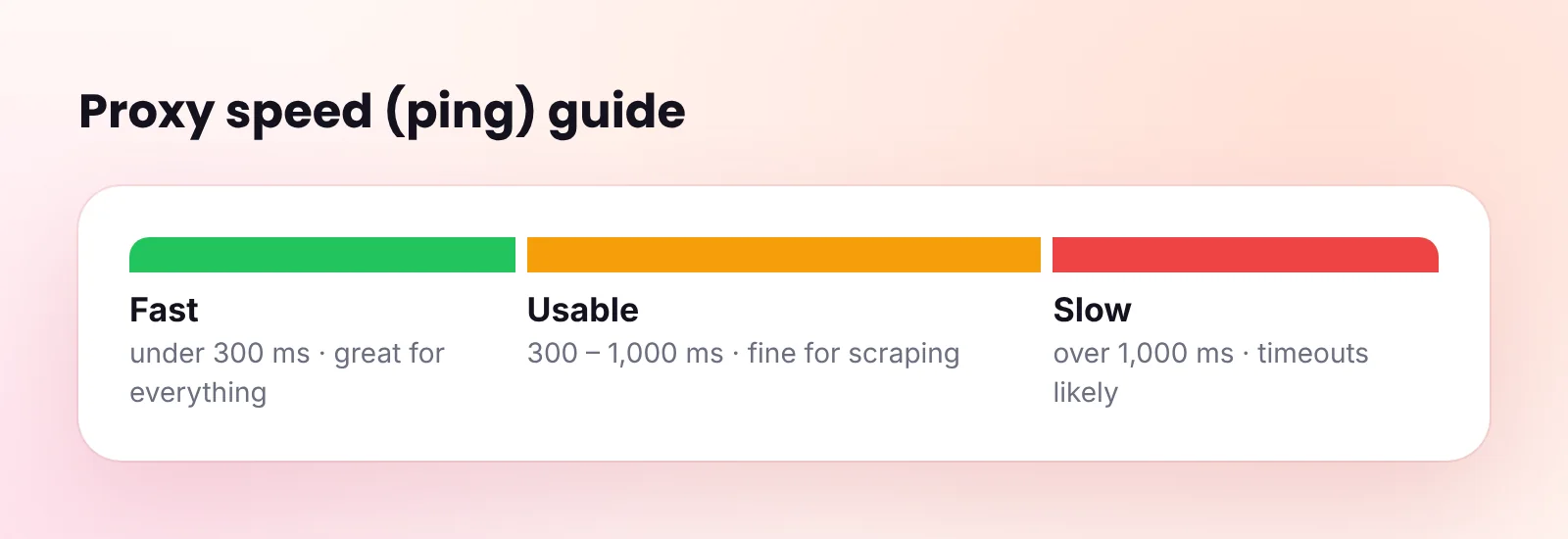
| Ping / latency | How fast the proxy answers. Lower is better; under 300 ms is fast. |
| Protocol | HTTP, HTTPS, SOCKS4 or SOCKS5. Use the proxy with the protocol it supports. |
| Transparent | The website can still see your real IP. Avoid for privacy. |
| Anonymous / Elite | Your real IP is hidden. "Elite" also hides that a proxy is used. |
Why free proxies keep failing
Free public proxies are open servers that anyone can find and use. That's why they:
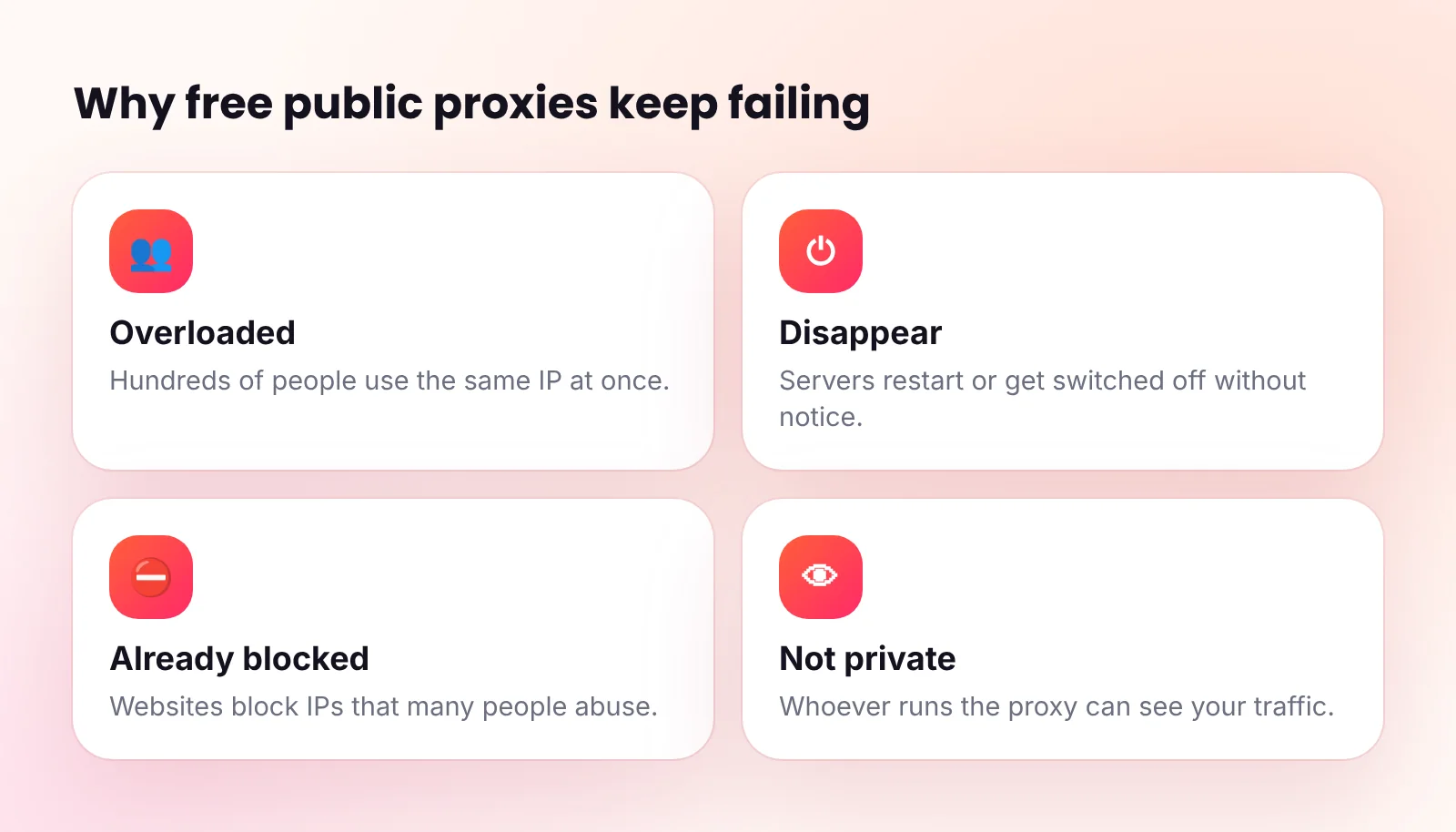
- get overloaded by hundreds of users at once;
- disappear when the owner notices or the server restarts;
- are already blocked by many websites because so many people abuse them;
- can be unsafe: whoever runs the proxy can see the traffic you send.
They're fine for a quick test. For real work, use private proxies and test your list regularly.
Summary
Always test proxies before a big job: an online checker for a quick look, cURL for a single proxy, or a small script for a whole list. Keep only the working ones, match the protocol, and remember that free proxies are for testing, not for anything important.
Frequently asked questions
Why does my proxy connect but pages don't load?
Usually the protocol is wrong (for example using a SOCKS5 proxy as HTTP), the proxy needs a username and password you didn't add, or the proxy is overloaded. Try the other protocol and check the login details.
What is a good proxy ping?
Under 300 ms feels fast for most tasks. Between 300 and 1,000 ms is usable for scraping. Above that, pages load slowly and timeouts become common.
How long do free proxies last?
Often only minutes to a few hours. Free public proxies are shared by many people, get overloaded and are switched off without notice, which is why lists go stale so quickly.
Can a proxy checker see my data?
A checker only connects through the proxy to a test page to see if it answers. Our free checker does not ask for or send any of your personal data.
Check your proxies for free
Paste up to 20 proxies into our free checker and see which ones work, with protocol and speed, tested from our server.
Open the free proxy checker →